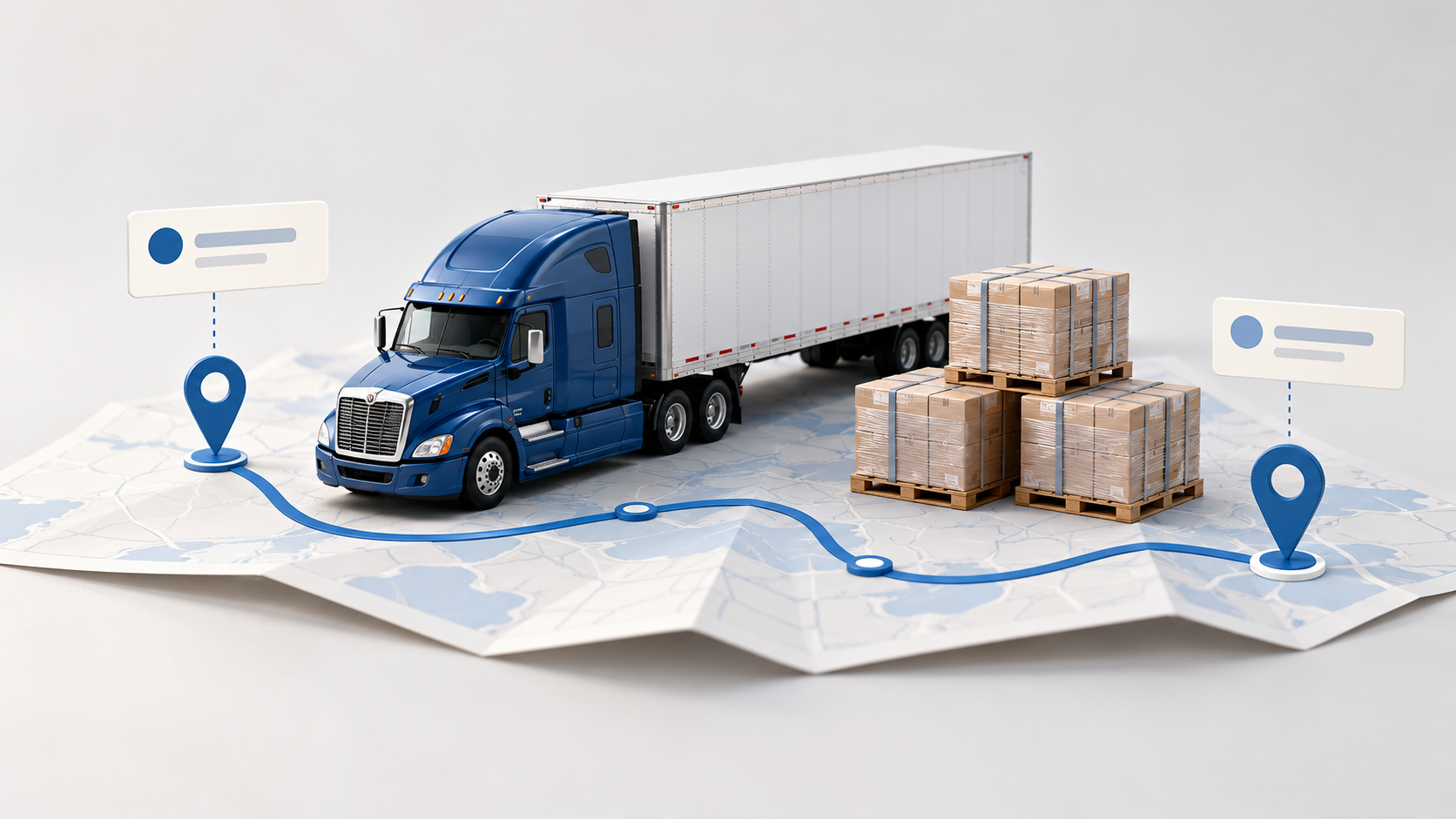
The #1 App for North American Truckers — Trusted by 1M+ drivers for parking, stops, fuel & weigh stations.
Learn MoreA device, or the phone already in the cab
Trucker Path and Garmin, Side by Side
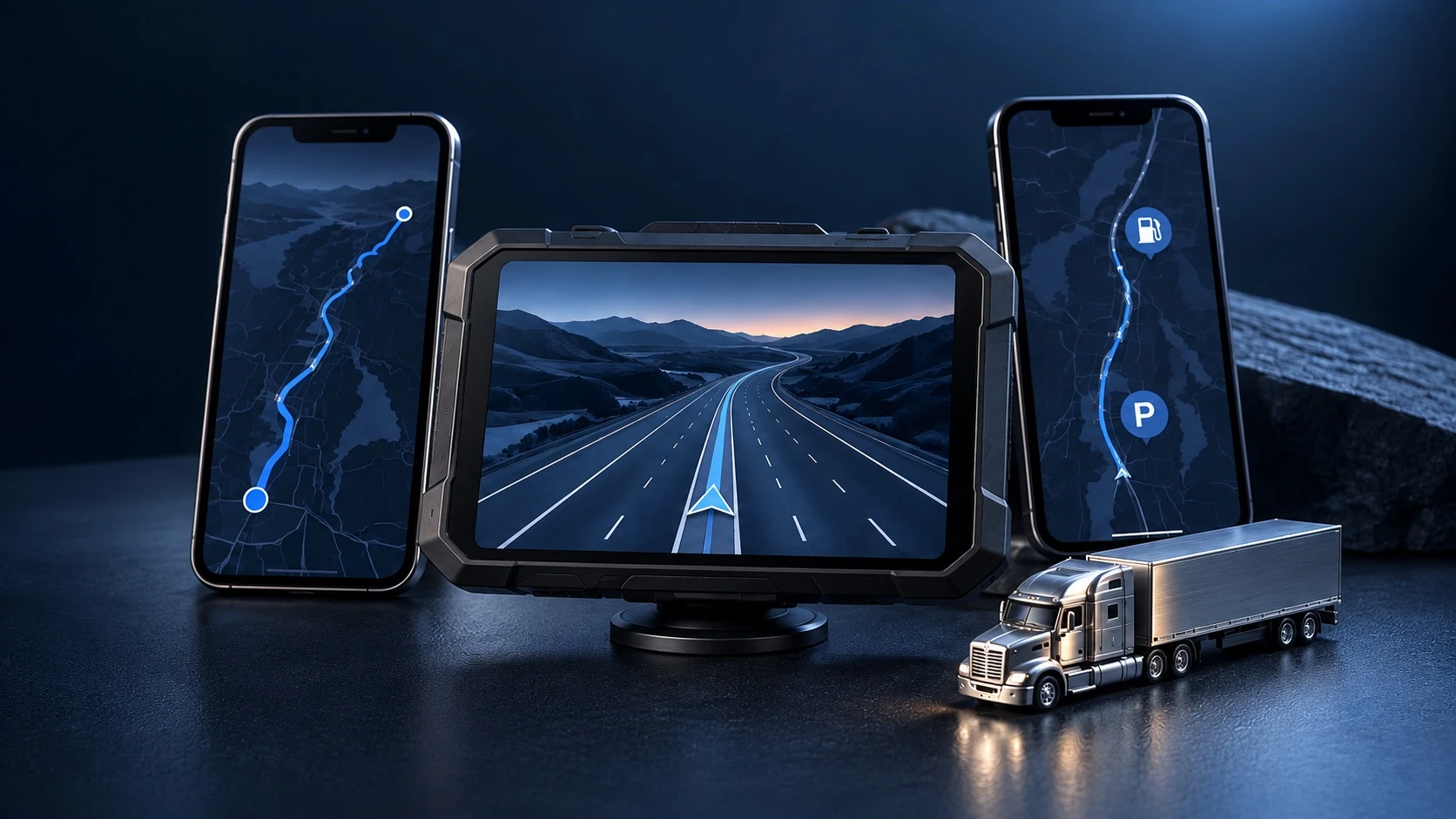
A dedicated screen for the road. A phone app for the whole run. Compare truck routing, stops, fuel and everyday costs—or see how Trucker Path can work alongside your Garmin.
Free to download. Some features require a paid plan.

Choose the setup that fits your day
Both can guide a truck. The difference is how you want to navigate, find a stop and pay for the tools you use.
A screen of its own
Garmin keeps navigation on a dedicated display. Trucker Path uses your phone, with CarPlay on compatible vehicle displays.
More context at every stop
Compare Trucker Path driver reviews, parking reports and amenities. Garmin also offers community ratings through its paired phone app.
Your costs, your choice
Choose a device purchase or the app features you need. Trucker Path adds fuel planning and discounts at participating locations.
A device and an app, side by side
Garmin dēzl OTR720 is the device reference here. Connected features need a compatible phone; Trucker Path features vary by membership.

Checks indicate capability, not free access. A dash in the parking prediction, fuel discount, fuel planning or load-board rows means Garmin does not document that feature in the sources reviewed. TruckLoads is sold separately.
Sources and comparison notes
Reviewed October 13, 2026. OTR720: 7-inch display, $449.99 USD on Garmin’s US store at review; prices may change. Garmin and dēzl are their owner’s trademarks. Always follow posted road restrictions. Check current membership, service and fuel-discount terms.
Trucker Path on your run
From the next stop to the next load
Keep the stops, fuel, road conditions and freight close at hand, whether you navigate with your phone or a separate device.
Places
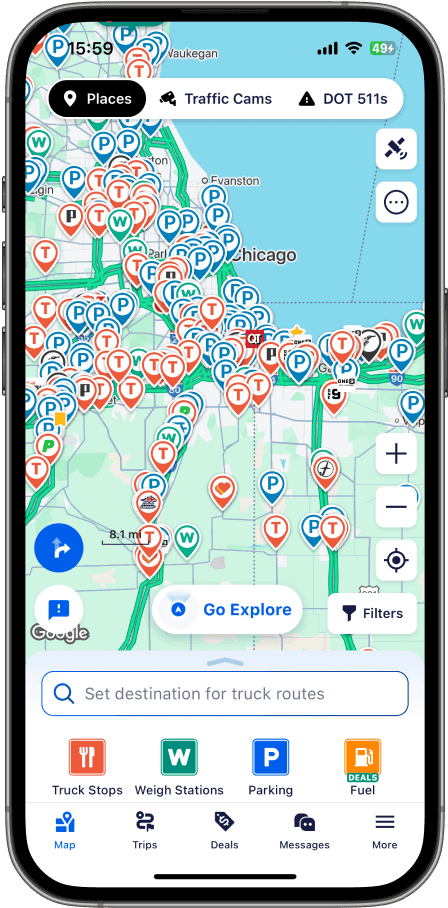
Find a stop worth pulling into
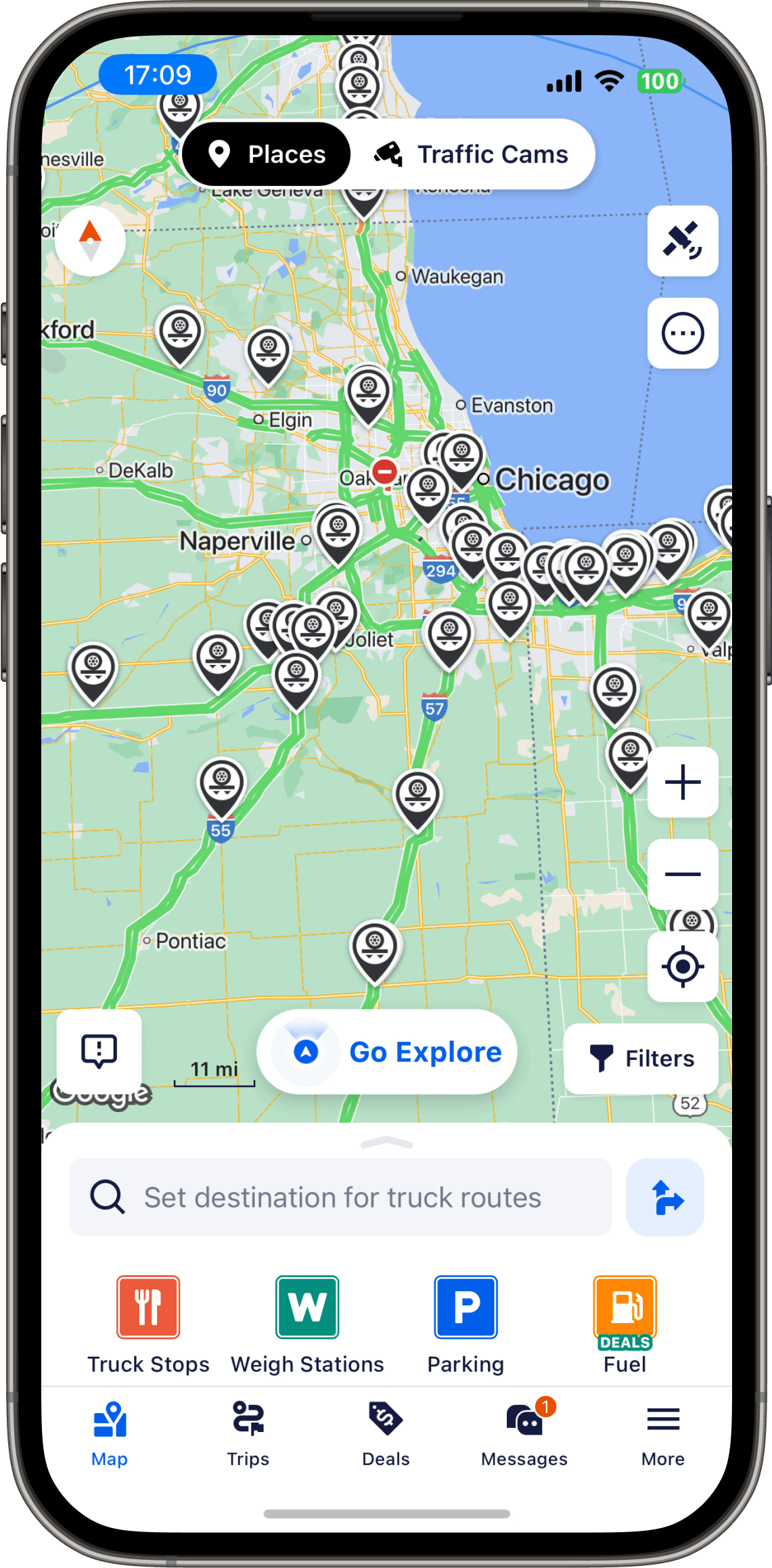
Compare driver reviews, showers, parking, food and services before you leave the highway. Explore twelve place types, from truck stops and rest areas to scales, washes, repairs, Walmart and dealer centers.

Fuel
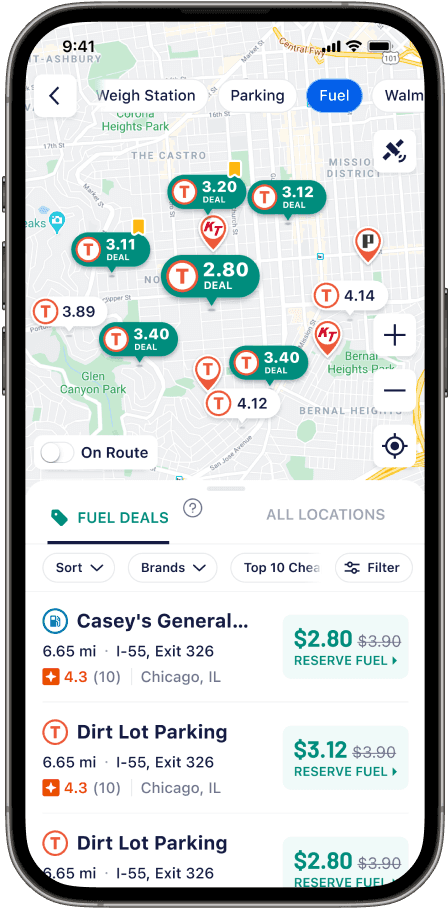
Plan your fuel before the pump
Compare reported diesel and DEF prices, plan fuel purchases across the run and see trip fuel and toll costs. The 10-4 by WEX network offers discounts at participating locations. Fuel tools depend on membership and current program terms.

The road ahead
See more of the road ahead
Alerts for traffic, weather and hazards along the route, plus live cameras and 511 alerts, so you can see the backup rather than be told about it.

Freight
The next load, in the same app
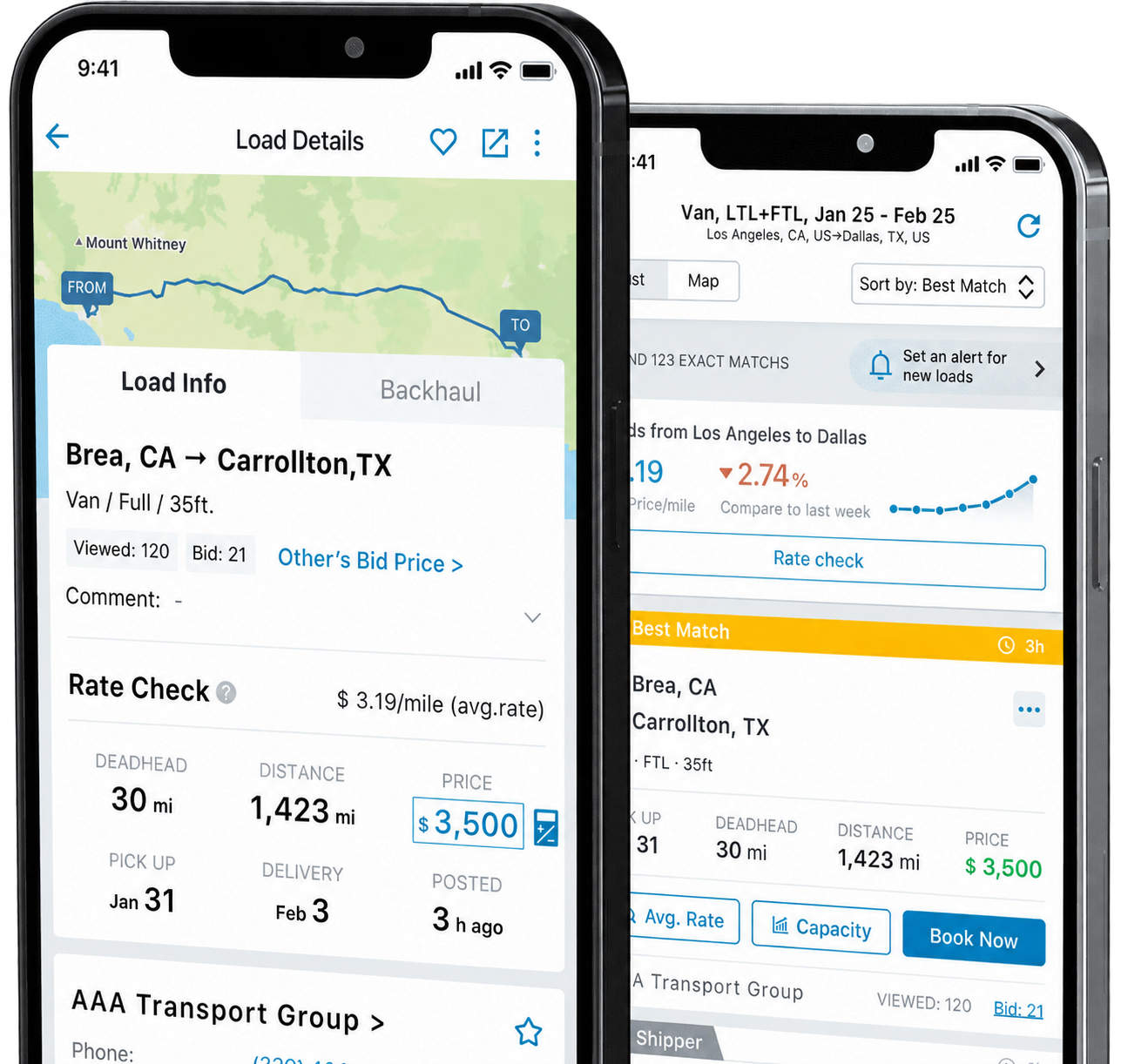
Look for the next run on the same phone. TruckLoads shows load details, lanes, deadhead, distance and rate information. TruckLoads features are sold separately; check the current terms before choosing a plan.
TESTIMONIALS
Hear From Our Customers

“As a retired Army First Sergeant, I tested multiple GPS platforms side by side. Trucker Path stood out — the accuracy, user-driven data, and practical routing made it the clear choice. A critical part of how I run my operation and keep drivers safe on the road.”
“As a former executive, planning has always been essential, not optional, and Trucker Path quickly became one of my core tools on the road. More than once, Trucker Path has saved me from bad decisions — or at least from spending the night inventing new curse words.”
“At Arka Express, efficiency and safety are core. Trucker Path’s navigation helps us achieve both. Our drivers use it for truck-friendly routing, real-time conditions, and parking info. This reduces delays, minimizes miles, and improves driver experience. Tools like these support retention and keep our fleet running smoothly.”
“I replaced my GPS with trucker path. I have been using it every single day. Trucker Path offers so much more than just a GPS (…) I could never go back. Thankful everyday as an OTR driver for Trucker Path.”
FAQ
What Drivers Ask About Trucker Path and Garmin
What is the difference between Trucker Path and a Garmin?
Garmin dēzl is a separate truck navigator with its own screen and power connection. Trucker Path runs on your phone, with truck routing, twelve place types, driver reviews, parking reports and fuel tools. Both offer truck-focused navigation. Choose based on the screen you want, the information you use at stops and the features you need. Trucker Path is free to download; navigation and other advanced tools depend on your plan.
Is a Garmin cheaper than a subscription in the long run?
Compare the specific device with the app membership you would actually use. Garmin’s US store listed the 7-inch dēzl OTR720 at $449.99 on October 13, 2026. Prices can change, and accessories or connected services may add costs. Trucker Path membership prices should be checked in the app. We have not verified a current like-for-like break-even price.
Does the Garmin need my phone anyway?
Core navigation runs on the Garmin device. Community ratings, live traffic, weather and fuel prices require the dēzl app on a compatible smartphone. Garmin includes map updates and supports Wi-Fi updates without a computer. Check each connected feature and any service terms before buying.
Which one has better screen options?
Garmin offers dedicated 6-, 7-, 8- and 10-inch screen options. The OTR720 compared here has a 7-inch display and no built-in dash cam; a dash-cam version is a different model. Trucker Path runs on your phone and supports CarPlay on compatible vehicle displays. Check your truck, phone and membership compatibility.
Who keeps the road and place information current?
Trucker Path drivers report parking availability, diesel prices and weigh station open or closed status, and review the places they visit. Reports and parking predictions can change; they are not a space guarantee. Garmin has its own dēzl community ratings and connected parking information, including availability at participating Pilot Travel Centers. Its maps receive updates separately.
What do I get in the app that a navigator does not do?
Trucker Path combines diesel and DEF price information, 10-4 by WEX fuel discounts, fuel-optimized trip planning and Smart Fuel Plans with parking history and predictions. You can also check weigh station status history, traffic cameras and 511 alerts. Garmin also offers connected fuel prices and road information; this is not a claim that it lacks those tools. The app listing describes fuel discounts as available to all app users, with no credit check or participation fee. Participating locations and current terms apply; advanced tools depend on membership, and TruckLoads is sold separately.
How many truck stops are in the app?
Trucker Path lists truck stops and other truck-related places across the USA and Canada, including Pilot, Flying J, Love’s, TA, Petro, Travel Plazas, AM Best and independent stops. Check reviews, showers, food, parking and other amenities before choosing a stop. Rest areas and other stopping locations are also included. Its App Store listing advertises 500,000+ truck stops across the USA and Canada; that is the publisher’s stated figure.
Can I use both?
Yes. Keep Garmin for a dedicated navigation screen and use Trucker Path to compare stops, check parking reports or plan fuel purchases. The app is free to download; paid features still require the appropriate membership. Downloaded maps and offline routing depend on your app plan and preparation before losing signal. Set up your trip while safely parked.
Prefer the short version?What is the difference, in one answer
Take a closer look at your options

Device or app? The short answer
The key differences between Trucker Path and Garmin, in one focused guide.
Read the guide
All truck app comparisons
Compare other navigation options and the sources behind each guide.
Explore comparisons
Free load board
Find the next run with TruckLoads, sold separately.
Read moreKeep your Garmin. Add Trucker Path.
Bring driver reports, stop reviews and fuel tools into your daily planning. Free to download; choose the membership that fits your run.
Download Trucker Path