How to Find Loads as a New Owner-Operator: Step-by-Step
How to find loads as a new owner-operator comes down to one thing: stop searching randomly and start working the same process every day. Most new guys don’t lose time because freight is invisible. They lose time because they check too many places, call on weak loads, and book before the whole picture is clear.
A better routine looks simple on paper. Start with lanes that fit the truck, filter for reload chances, check the broker, compare the real trip, and keep a backup ready before the first call goes out. When that routine lives in one place inside Truckloads, the day gets a lot easier to manage.
How to find loads as a new owner-operator in 2026
The first mistake a lot of new owner-operators make is treating load hunting like a scavenger hunt. One broker email here, one text there, one board on the laptop, another app on the phone. By lunch, the good freight is gone and half the morning disappeared into comparing screenshots.
Most drivers do better with a short morning system. Check where the truck is, decide how far deadhead still makes sense, lock in equipment filters, and search only loads that fit that plan. Inside Truckloads, that means searching available freight in one app, then narrowing by equipment type, date, distance, weight, and reload area.
The point isn’t to look at more freight. The point is to look at the right freight faster. If a driver runs reefer out of south Georgia, flatbed freight in Ohio doesn’t matter that morning. Good filtering keeps the mind clear and the phone calls tighter. Posting truck capacity can also help when the truck is empty in a market a driver doesn’t know well, because matching loads can start surfacing without guessing at every nearby lane.
How do you compare loads without chasing the wrong one?
Not every load with a decent top-line number is a decent trip. New owner-operators usually learn that the hard way after a long deadhead, a weak reload market, or slow broker pay turns one “good” load into a bad week. The load itself is only half the job. The next load matters too.
Most experienced drivers compare at least five things before they call: loaded miles, deadhead to pickup, appointment window, reload options after delivery, and how the broker tends to pay. Truckloads helps with that process by showing broker credit scores and days-to-pay alongside the load. Those broker scores reflect driver-submitted reports, not third-party verification, but they still give a useful read before a driver spends ten minutes on the phone.
Then comes the lane check. Rate Check lets drivers compare lane, state, and regional pricing trends, while the profit and fuel surcharge calculators help make sense of a trip before it’s booked. Add in the load density map and Capacity Indicator, and a driver can get a read on whether the destination is likely to offer another shot at freight or leave the truck digging for a reload.
Picture a simple choice. One load pays a little less on paper but drops near a busy freight area for the next morning. The other drags the truck into a quieter spot where the reload may mean a long empty move before noon. A lot of owner-operators make more by taking the first one. That’s the difference between booking a load and planning a week.
How do new owner-operators book loads consistently every week?
Consistency usually comes from habits, not luck. Most guys who stay loaded keep the same rhythm: search early, save a short list, call the top choices first, and line up fallbacks before the market shifts. Waiting until the truck is already empty and parked is where panic rates start showing up.
Load alerts help a lot here. Instead of refreshing all day, drivers can set lane and equipment preferences and get notified when matching freight posts, when rates change, and when booking confirmations come through in Truckloads. That matters on busy days, especially when loading, unloading, and paperwork are all fighting for the same hour.
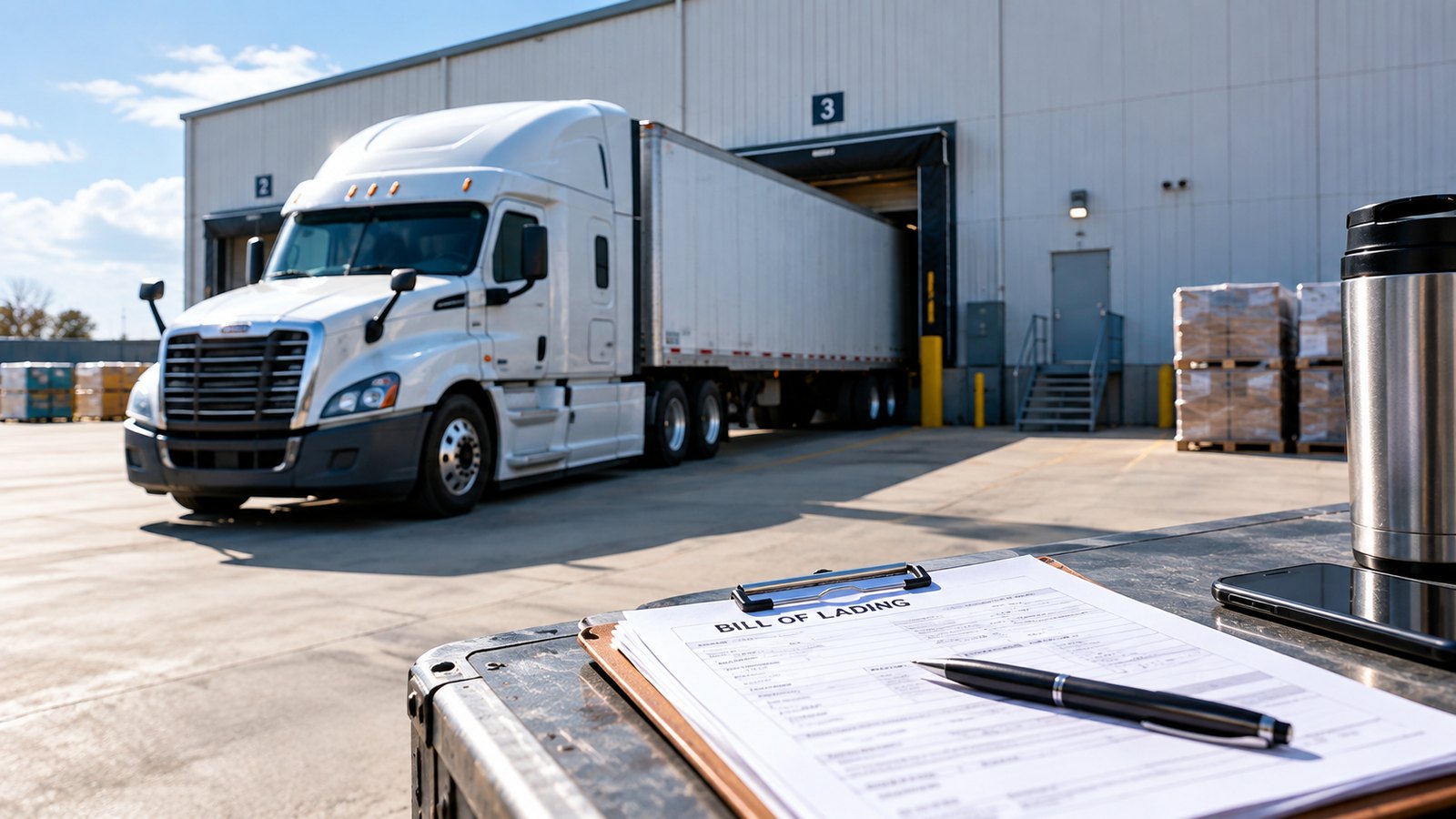
The back office part matters too. Truckloads can scan rate confirmations, BOLs, PODs, and receipts with AI document scanning, and the email-to-loads feature can pull loads and documents from a connected inbox into an Action Needed queue. That keeps a small operation from losing track of paperwork while chasing the next run.
Once a load is booked, trip and load tracking keep delivery status, invoicing, and payments in one load sheet. Over time, that record shows which brokers were easy to work with, which lanes reloaded well, and which freight kept causing headaches. That’s how a new owner-operator starts building a repeatable freight strategy instead of waking up every day at zero.
Frequently Asked Questions
How do owner-operators get loads when they first start?
Most start with load boards and broker relationships because those are the fastest ways to find available freight. A simple process helps: search targeted lanes, filter by equipment and deadhead, vet the broker, and keep backup loads ready before calling.
What is the best way to find loads as a new owner-operator?
The best way is usually a repeatable system, not checking more places. Most drivers do better when they search one app, narrow hard by lane and truck type, compare reload potential, and save brokers that pay and communicate well.
How do I know if a load is actually worth taking?
Look past the first number on the screen. Most experienced drivers compare deadhead, appointment times, destination freight strength, and broker payment history before they book anything.
Should new owner-operators work with brokers or direct shippers?
Most new owner-operators lean on brokers first because freight is easier to access right away. Direct shippers can become part of the mix later, but brokers and load boards usually keep the truck moving while those longer-term relationships are still getting built.
How often should I check load boards?
A lot of drivers check early, check again after delivery updates, and use alerts the rest of the day. That beats staring at the screen nonstop and helps catch good loads when they post without wasting hours refreshing.
Summary
- How to find loads as a new owner-operator starts with one routine: search by lane, filter hard, compare the full trip, then call.
- Good freight isn’t just about the first load. Deadhead, reload area, appointment timing, and broker pay history all matter.
- One app for load search, alerts, broker history, and paperwork saves time and makes it easier to compare real options.
- Truckloads helps small carriers stay organized with alerts, broker details, rate tools, and document handling in the same workflow.