The #1 App for North American Truckers — Trusted by 1M+ drivers for parking, stops, fuel & weigh stations.
Learn More


Our experts will contact you to discuss your needs
If you see an incoming call, that’s us: (***) *** -4060
Our agent will confirm a few quick details so we can match you to the right fleet navigation plan. Call missed? No problem, we’ll get in touch with you soon.
Step 1 – Pick Your Product
Step 2 – Get Started
The #1 App for North American Truckers — Trusted by 1M+ drivers for parking, stops, fuel & weigh stations.
Learn More
Optimize every mile with fleet navigation, dispatch, routing, and compliance.
Learn MoreStart Enterprise Trial
Find and book high-paying loads from your phone or desktop with our powerful loadboard.
Search OnlineTrucker Path for Fleets + Truckstop
Sign in with the Truckstop account you already hold. Compare its loads beside the other boards, then turn one into a trip for the driver.


Three steps
Open Marketplace, LoadBoard and Truckstop, then choose the connection for the account you already hold.
On Truckstop's own page the signup form comes first, and the link for existing account holders sits underneath it. That is the one to use if you already pay them.
Truckstop loads appear in the same table with the same columns, and Add to Trips turns one into a routed trip for a named driver.
After you connect
Truckstop becomes another tab in the same fleet workflow, from evaluating the load to dispatching the driver.
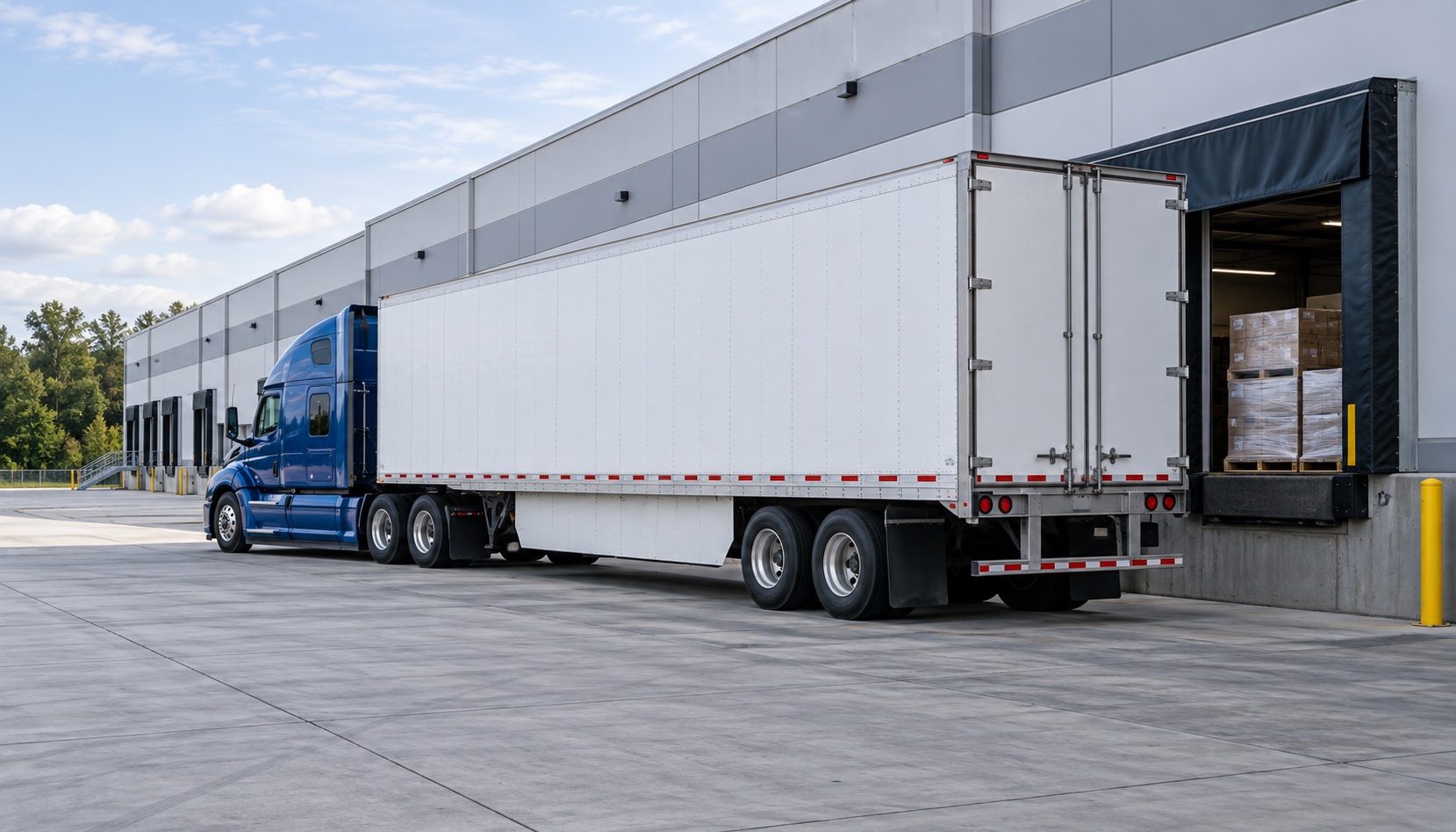
Compare deadhead, miles, weight, broker terms, market rate and estimated toll before committing the truck.
Explore the fleet load board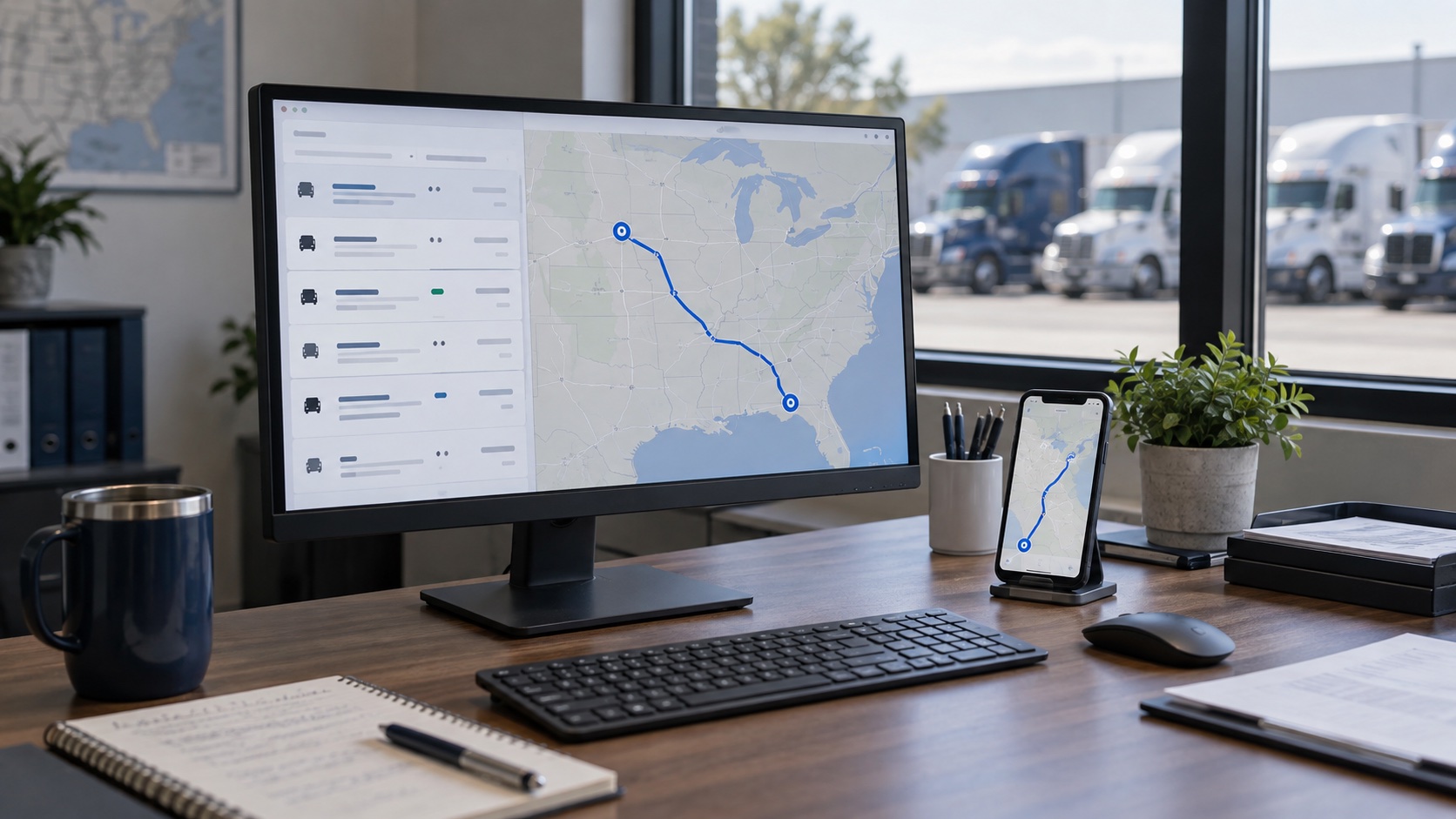
Add to Trips applies the truck profile, builds the route and sends the trip to a named driver without retyping it.
See the fleet workspaceWhat stays simple
Connect the Truckstop account you already hold, then evaluate and dispatch its loads from the shared table.
Use the account you already pay for. Existing account holders sign in instead of registering again.
Truckstop loads use the same columns as the other boards, so the dispatcher keeps one reading pattern.
Loadboard is an add-on for an existing fleet operator seat. The driver receives the dispatched trip in the Trucker Path app.
Other connections
The setup changes by provider. Choose the connection that matches your existing account.
“Our driver managers are hearing very positive feedback about the safe and efficient routes we are providing with the Trucker Path app, and they’re reporting that any issues getting new drivers enrolled or up to speed are being handled quickly.”
“Do you know that we saved our toll bill that month was $40,000 less than it normally is? It was only $40,000-some versus $84,000-some, and so we’re like, ooh, that, and it was not, it was Trucker Path.”
“The features are clear-cut and straightforward to use — very convenient. As a towing business with heavy loads, the convenience of our truckers being able to self-adjust their routes is a key benefit for us.”
FAQ
No. On the Truckstop tab you sign in with the Truckstop account you already have rather than creating a new one, and your loads then appear next to TruckLoads on the same screen.
Two separate things are billed by two separate companies. The load board inside Trucker Path for Fleets is an add-on seat rather than a separate product: an operator who already holds a Trucker Path for Fleets seat has a Loadboard seat added to it, and it is billed per operator seat per month. Access to Truckstop's own loads is billed by Truckstop, on their terms and at their published rate. We do not quote their price here because it is theirs to change.
Deadhead, miles, trailer type, weight, the broker, the broker's days to pay and credit score, the market average rate for the lane and the posted price. Opening a load adds the estimated toll charge, estimated driving time and average rate per mile. Because the columns are the same on every tab, a Truckstop load and a TruckLoads load are compared as two rows in one table rather than in two browser windows.
Yes. Add to Trips turns the load into a trip in Trucker Path for Fleets, routed on that truck's own height, weight, length and axle count, and you send it to a named driver. The booking stays with Truckstop; the dispatch happens here.
You are searching your own Truckstop account either way. What changes is that the result sits next to the other three boards, carries the toll and market-average figures alongside it, and dispatches without being retyped.
Still have questions?navpro@truckerpath.com
Start the trial, sign in with the Truckstop account you already hold, and take one load through to a dispatched trip. Seven days, no charge.
Start Free Trial