The #1 App for North American Truckers — Trusted by 1M+ drivers for parking, stops, fuel & weigh stations.
Learn More


Our experts will contact you to discuss your needs
If you see an incoming call, that’s us: (***) *** -4060
Our agent will confirm a few quick details so we can match you to the right fleet navigation plan. Call missed? No problem, we’ll get in touch with you soon.
Step 1 – Pick Your Product
Step 2 – Get Started
The #1 App for North American Truckers — Trusted by 1M+ drivers for parking, stops, fuel & weigh stations.
Learn More
Optimize every mile with fleet navigation, dispatch, routing, and compliance.
Learn MoreStart Enterprise Trial
Find and book high-paying loads from your phone or desktop with our powerful loadboard.
Search OnlineTrucker Path for Fleets
Build the trip on your truck's own height and weight, send it to a driver, and they follow it in the Trucker Path app already on the phone. Connects to 30+ ELD platforms and to your TMS, on 45,000+ vehicles today.
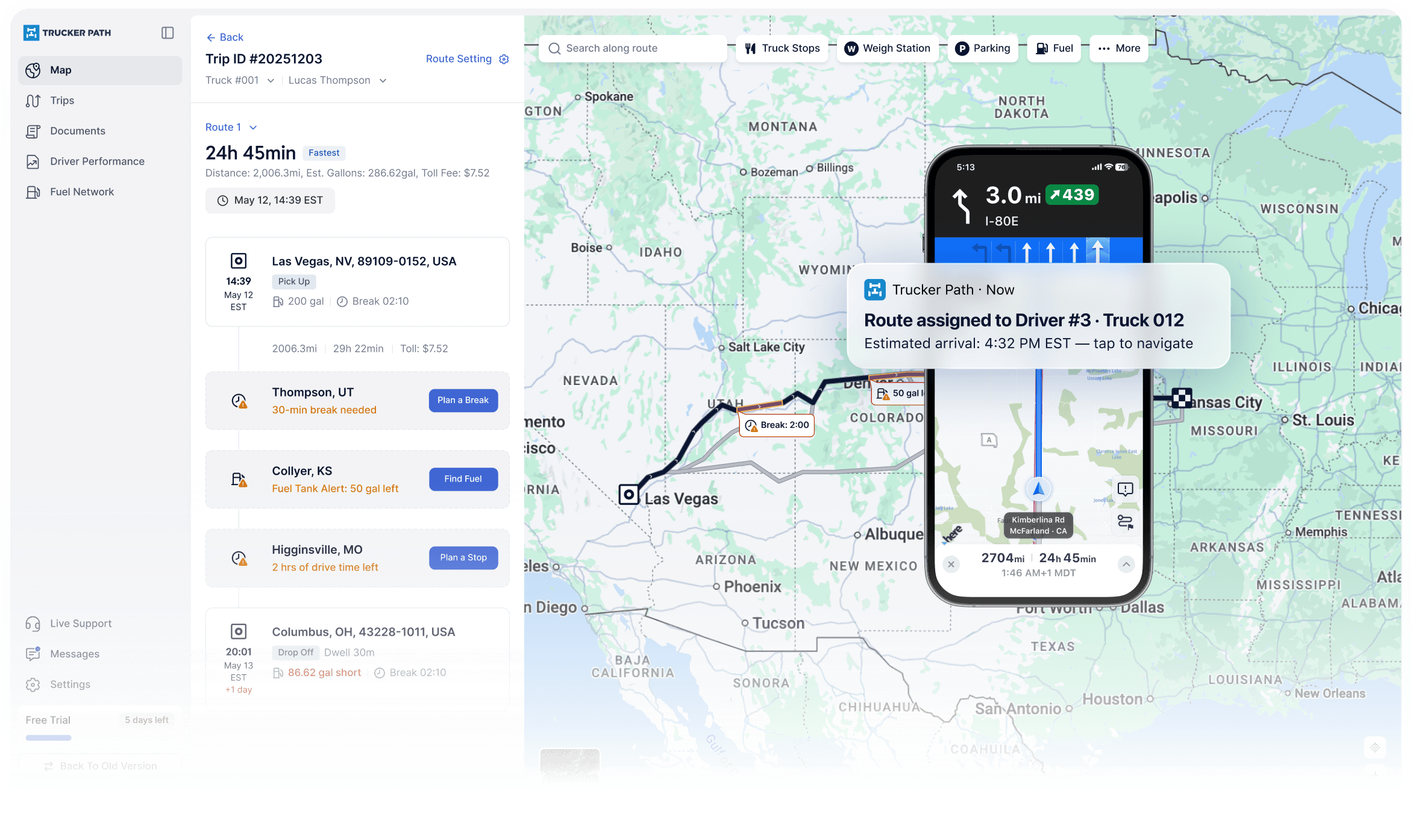
Choose how you dispatch
Send the route from Trucker Path, keep your TMS as the system of record, or connect through the API. Each path puts the trip in the same driver app.

Plan stops, compare truck-safe routes and send the trip to a driver. A focused option for fleets running 2–25 trucks.
See small fleet dispatch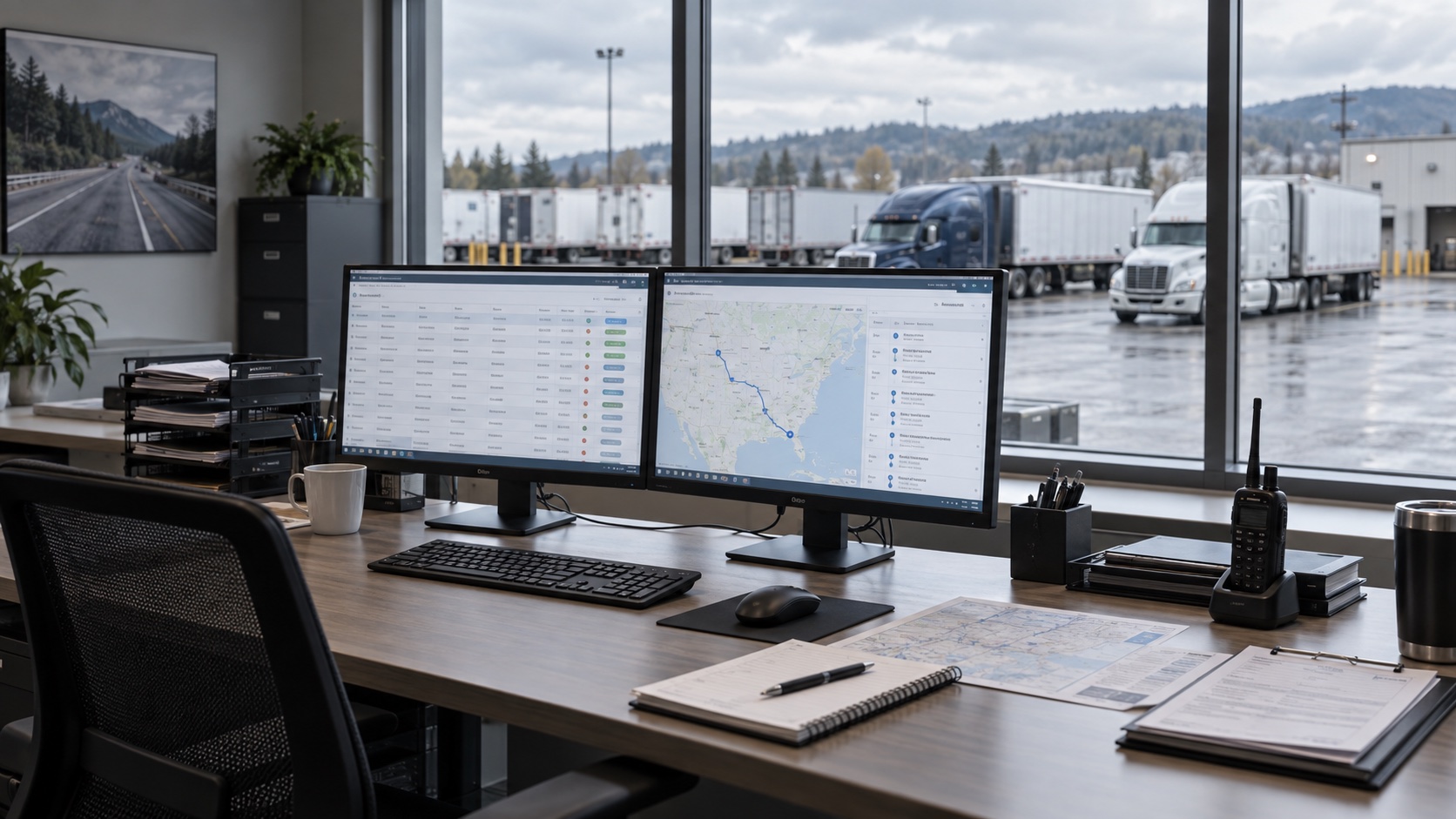
Keep loads, customers and billing where they are. Use McLeod's announced connection or connect another TMS through the API.
See the TMS options
Send stop coordinates and a driver ID, then read back planned, actual and out-of-route miles through 36 documented endpoints.
See the fleet APIMore around the route
Open the part of the operation you need next. Some are separate products or subscriptions, stated on the destination page.
Compare TruckLoads, Truckstop, C.H. Robinson and Coyote, then carry a selected load into Trips.
A separate fleet product for fuel discounts, spending controls, digital payments and automated receipts.
Request fleet access to secure parking, drop yards and trailer storage. This is separate from the navigation subscription.
Route against ten hazmat classes together with the truck profile for height, weight, length and axles.
Evaluate a backhaul with deadhead miles, market rate, toll and broker payment history in view.
Comparing your options
Choose the level of detail you need. Both explain where the products overlap and where their operating models differ.
Get the operating-model distinction before you evaluate individual capabilities.
Read the short answerOpen the source-backed matrix when you need to check a specific workflow.
Open the full comparisonFAQ
No. Drivers use the Trucker Path app they already know — the same one they open for truck parking, fuel prices and weigh station status. The route your dispatcher sends arrives in it.
No. Your ELD keeps hours of service and compliance. Trucker Path for Fleets connects to 30+ ELD platforms and adds truck-safe routing alongside them. Seven connect directly and twenty through TruckerCloud.
That is your call. Fleets running McLeod or another TMS keep it as the system of record and use Trucker Path for the driver's route. Fleets without a TMS plan the stop in Trucker Path and dispatch from there.
Two trucks upward. 2,800+ fleets run Trucker Path for Fleets on 45,000+ vehicles today, and there is a page written for fleets of 2 to 25 trucks specifically.
Yes. The load board sits under Marketplace and puts four boards on one screen: TruckLoads is ours, and the Truckstop, C.H. Robinson and Coyote tabs run on the accounts you already hold with them. Before you take a load you can see its estimated toll charge, estimated driving time, the market average rate for the lane and the broker's days to pay and credit score. The load then goes straight into a trip you can send to a driver.
No. On the Truckstop tab you sign in with the Truckstop account you already have rather than creating a new one, and your loads then appear next to TruckLoads on the same screen. C.H. Robinson and Coyote work the same way: you connect the account you already hold with them.
Driver Performance reports total miles, trips completed and excess miles by driver, so the miles you are paying for are visible per person rather than as one fleet total. An out-of-route alert tells you while the truck is still moving, rather than at settlement.
Yes, through the Trucker Path for Fleets API. Your system posts a trip with stop coordinates and a driver ID, and reads back planned miles, actual miles and out-of-route miles.
Still have questions?navpro@truckerpath.com
Build a real route on your own truck profile and send it to one of your drivers. Seven days, no charge.
Start Free Trial