
The #1 App for North American Truckers — Trusted by 1M+ drivers for parking, stops, fuel & weigh stations.
Learn More


Our experts will contact you to discuss your needs
If you see an incoming call, that’s us: (***) *** -4060
Our agent will confirm a few quick details so we can match you to the right fleet navigation plan. Call missed? No problem, we’ll get in touch with you soon.
Step 1 – Pick Your Product
Step 2 – Get Started
The #1 App for North American Truckers — Trusted by 1M+ drivers for parking, stops, fuel & weigh stations.
Learn More
Optimize every mile with fleet navigation, dispatch, routing, and compliance.
Learn MoreStart Enterprise Trial
Find and book high-paying loads from your phone or desktop with our powerful loadboard.
Search OnlineTrucker Path for Fleets
Search TruckLoads and your connected Truckstop, C.H. Robinson and Coyote accounts in one workspace. Compare a load, then turn it into a truck-routed trip without retyping.
Loadboard is a paid add-on to an existing fleet operator seat.
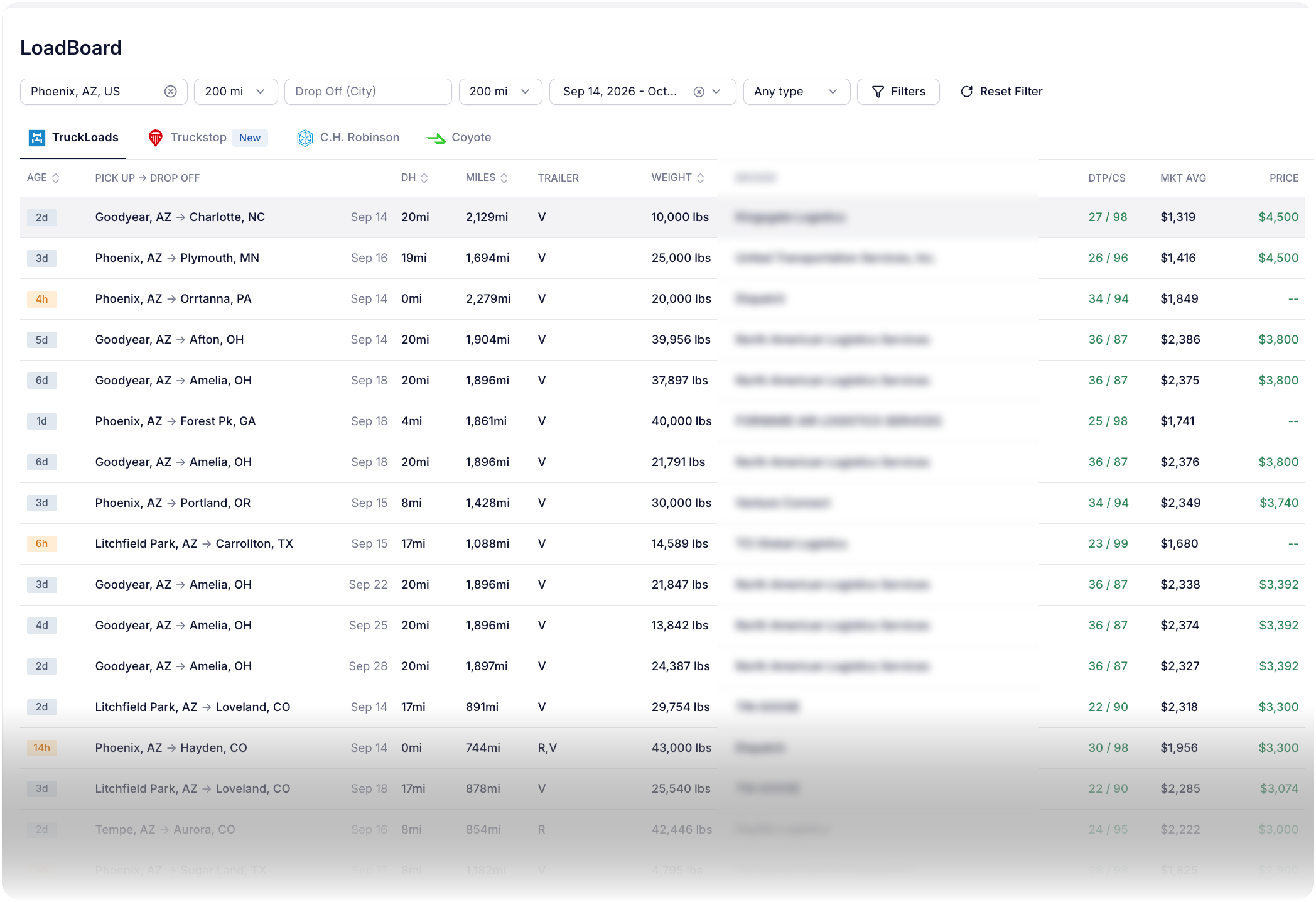
TruckLoads is built in. Connect the other boards with the accounts you already hold. Each needs different credentials.
 TruckLoadsBuilt in. No credentials to enter; a Loadboard seat is required to see results.
 TruckstopSign in with your existing Truckstop account.
 C.H. RobinsonMC number + C.H. Robinson ID (starts with T),found on your load confirmation.
 CoyoteClient ID + API key from Coyote support. Request these before connecting.
Partner account charges are set by each provider. Connecting an account does not imply free access.
From search to dispatch
Filter broker-posted loads by pickup and drop-off radius, dates and trailer type. Save a search or revisit a recent lane, then switch boards under the same filter bar.
See deadhead, miles, weight, posted price, market average and broker days to pay / credit score on each row. Open a load for estimated toll, driving time and rate per mile.
Add to Trips carries over stops and appointment windows. Route on the truck’s dimensions and axle count, then send to a named driver in the Trucker Path app. No retyping.
Find the next load and keep dispatch connected. Searching, evaluating and planning stay in one fleet workspace, with the same load fields across all four tabs.
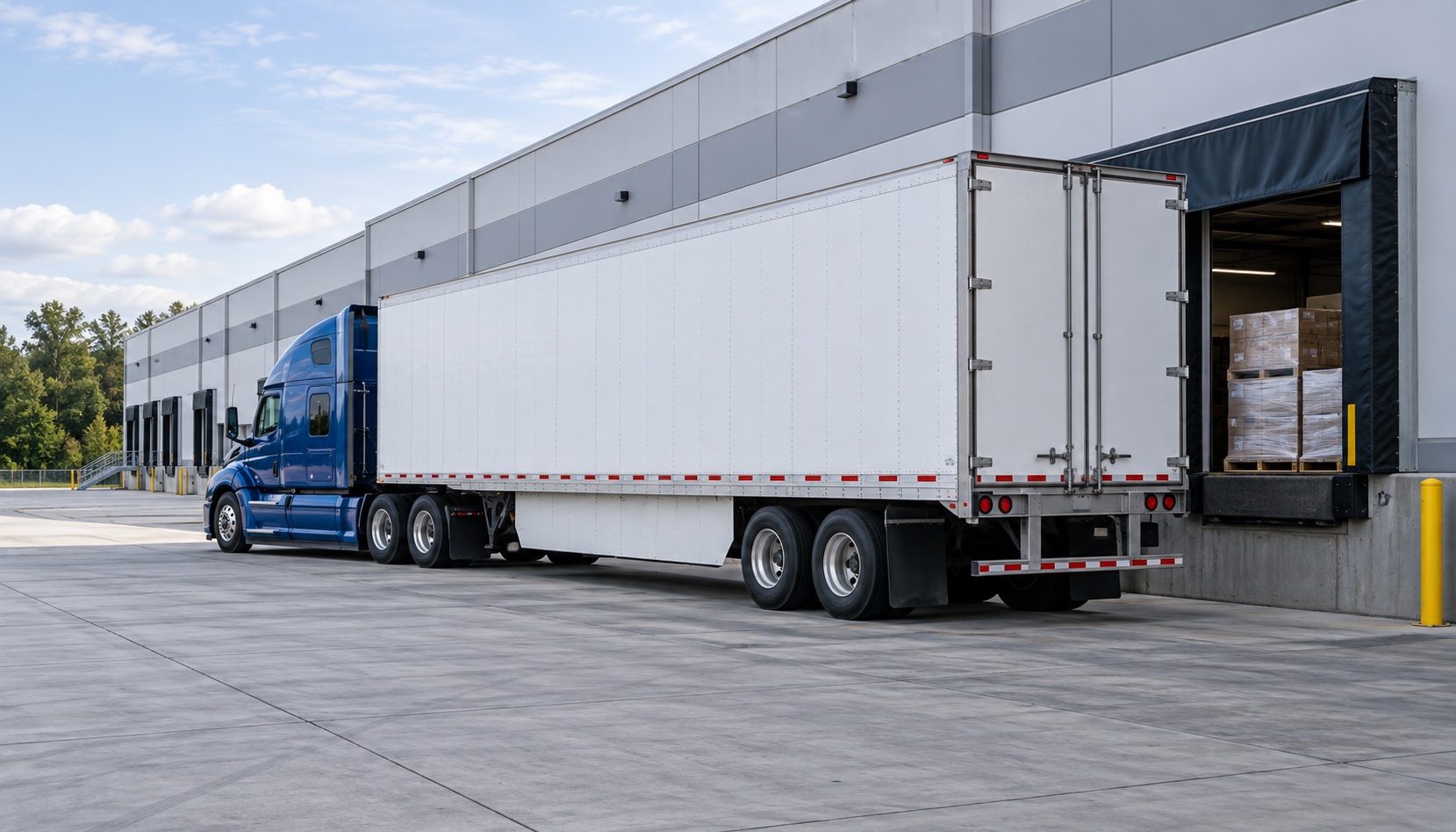
Explore backhaul loads and related freight while planning the outbound trip.
Explore backhaul planning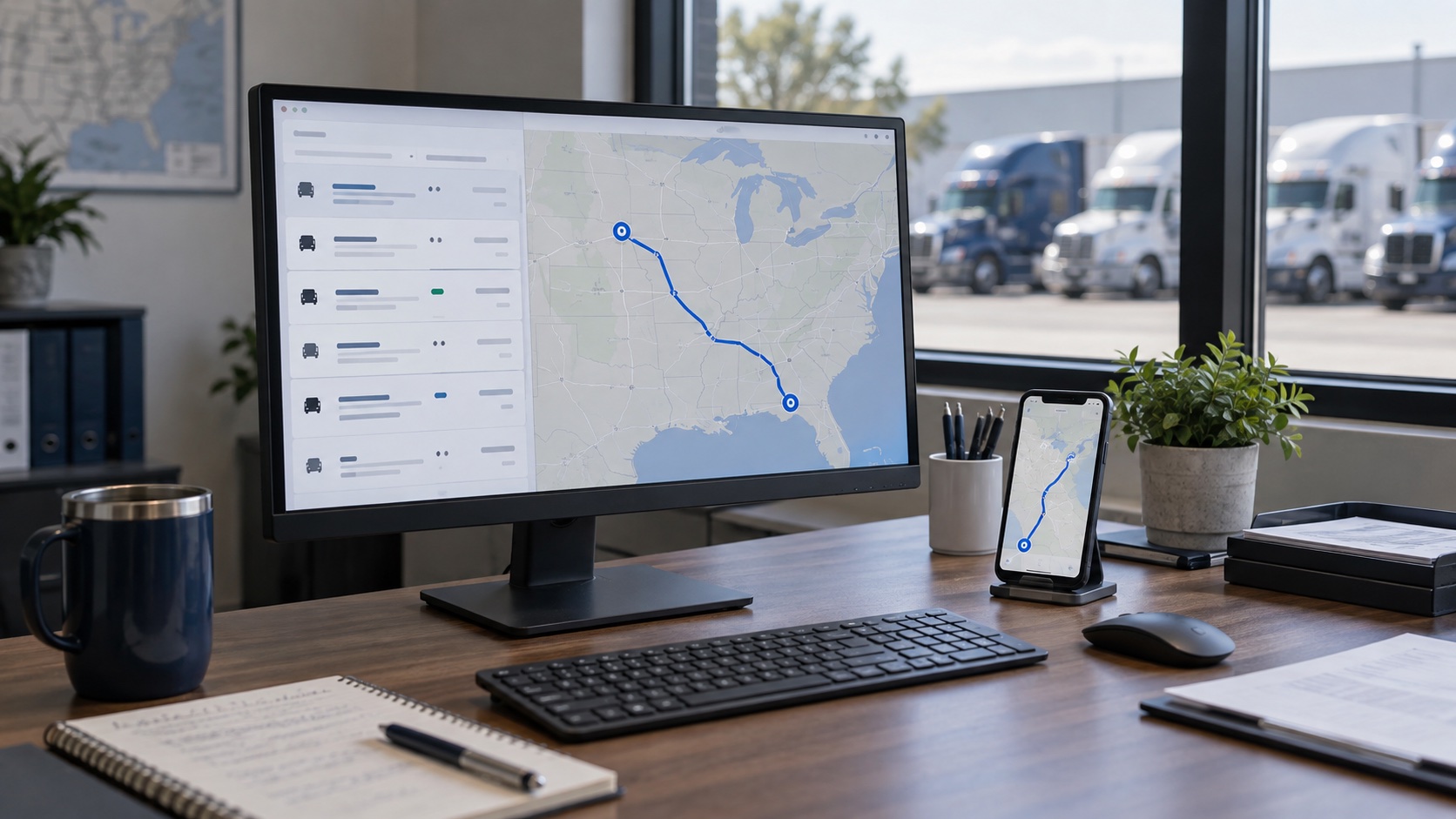
Use the truck profile for route planning and toll estimates, then send the trip to the driver.
See the fleet workspaceAdd a seat for your dispatcher. Billed per operator per month, not per truck. Requires an existing fleet operator seat; without the add-on, tabs remain visible but results do not. See fleet pricing
FAQ
Four, as tabs on one screen under Marketplace: TruckLoads, which is built in, plus Truckstop, C.H. Robinson and Coyote, which run on the accounts a fleet already holds with them. Truckstop connects by signing in to the Truckstop account you already have. C.H. Robinson connects with your MC number and the C.H. Robinson ID number printed on your load confirmations, which always begins with the letter T. Coyote connects with a Client ID and an API key obtained from Coyote customer support. Every row on every tab shows deadhead, miles, trailer type, weight, the broker, the broker's days to pay and credit score, the market average rate for the lane and the posted price, and opening a load adds the estimated toll charge, the estimated driving time and the average rate per mile. Add to Trips then turns the load into a trip routed on that truck's height, weight, length and axle count and sends it to a named driver.
Yes. In Trucker Path for Fleets the load board and the dispatch board are the same product, so a load moves from search to a routed trip without being retyped. The load board is an add-on seat on an operator who already holds a Trucker Path for Fleets seat, and searching, taking a load and dispatching it all happen in the same place a dispatcher already plans trips.
The load board in Trucker Path for Fleets shows an estimated toll charge on the load detail alongside the estimated driving time and the average rate per mile, before the load is taken. Toll is calculated against the truck profile — height, weight, length, axle count and hazmat class — rather than as a car route, which is why the figure changes with the truck.
No. Truckstop signs you in with the Truckstop account you already have. C.H. Robinson connects with your MC number and the C.H. Robinson ID number printed on your load confirmations. Coyote connects with a Client ID and an API key that Coyote customer support issues you. What each of those companies charges is theirs to publish, and it is not quoted here.
It is an add-on seat, not a separate product. An operator who already holds a Trucker Path for Fleets seat has a Loadboard seat added to it, billed per operator per month, and only operators with a seat can be given one. Without it the tabs are visible but the results are not.
Deadhead, miles, trailer type, weight, the broker, the broker's days to pay and credit score, the market average rate for the lane and the posted price. Opening a load adds the estimated toll charge, the estimated driving time and the average rate per mile.
Add to Trips turns it into a trip in Trucker Path for Fleets, routed on that truck's own height, weight, length and axle count, and you send it to a named driver in the Trucker Path app they already use.
Because the comparison is the work. Searching four boards in four browser tabs means the toll, the market average and the broker's days to pay are each somewhere else, and the load gets retyped into dispatch afterwards. Here rate and broker details sit on the row, toll estimates are in the load detail, and Add to Trips carries the load into dispatch.
Still have questions?navpro@truckerpath.com
Start the trial, connect the boards you already hold, and send one load to a driver as a real trip. Seven days, no charge.
Start Free Trial