Best Truck GPS App: What to Check Before You Choose
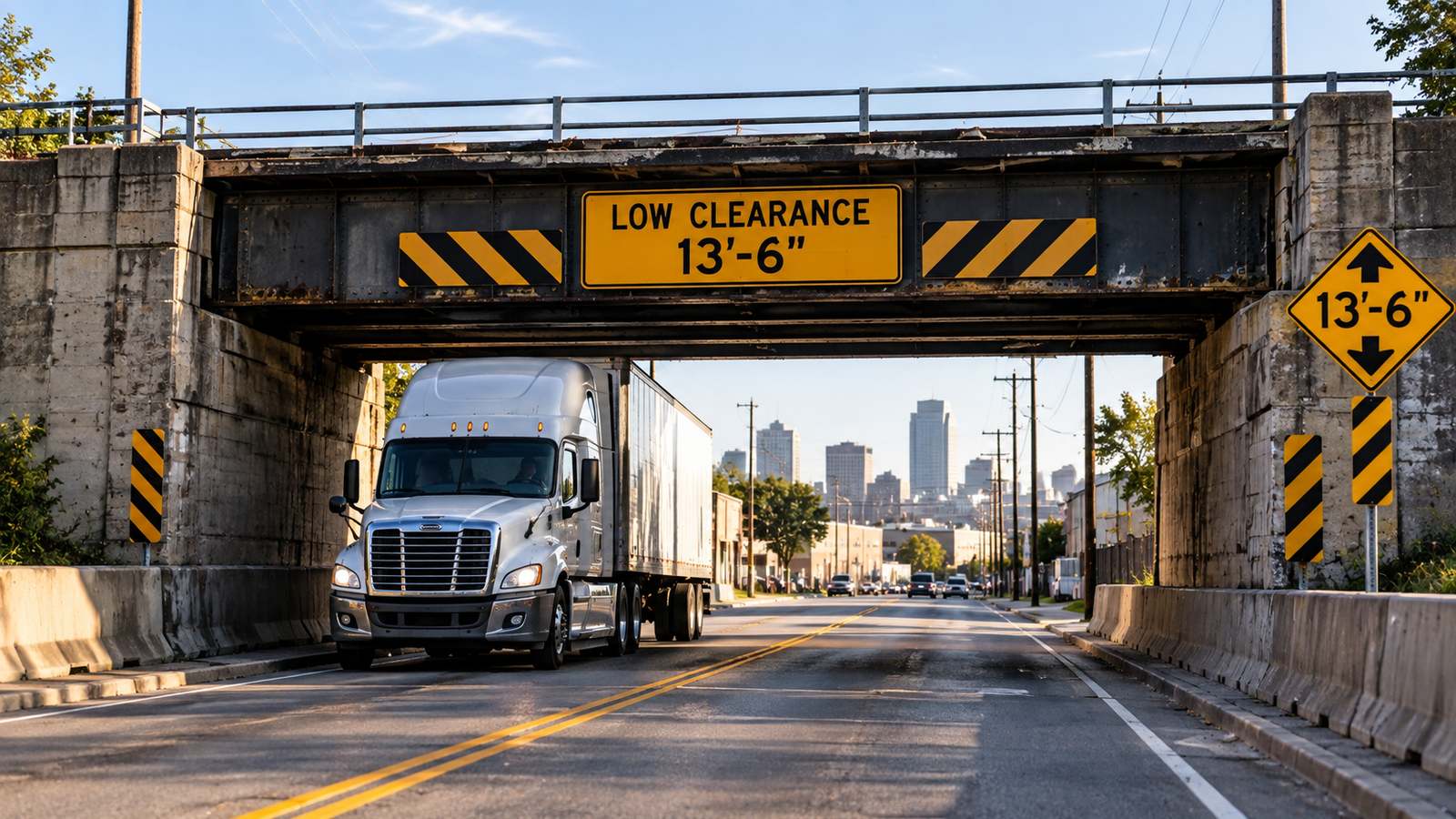
A good truck GPS app comes down to a handful of things that actually matter on the road: truck-specific routing, real-time parking, fuel planning, and road awareness tools that work together instead of forcing a driver to juggle four different apps. The flashy map graphics matter a lot less than whether the app catches a low bridge before the driver does.
That distinction gets real about an hour after pickup. A regular car GPS route can look fine right up until it points a tractor-trailer toward a posted truck restriction, a low clearance, or a truck stop that filled up two hours ago. Knowing what to actually check for before picking an app saves that headache before it starts.
What should a truck-specific GPS app do that a car GPS can’t?
The baseline test is simple: does the app route by the truck’s real dimensions, or does it treat every vehicle like a passenger car? A truck-safe app should account for height, weight, length, and hazmat-related restrictions, and route around low bridges and truck-restricted roads based on that profile — not just suggest the fastest line on a map built for cars.
That matters most on multistate hauls, where one wrong turn in a town with tight corners and old bridges can cost more time than the traffic ever would. Apps like Trucker Path build routing around those truck-specific limits, which is the first thing worth checking before trusting any app with a real run — no app catches every temporary closure or local restriction, so posted signs still matter, but the baseline routing logic should already be built for trucks, not adapted from a car app after the fact.
Beyond the route itself, look at what happens once the truck is moving: does the app layer in live traffic, weather, and junction-level detail for tricky interchanges, or does it just draw a line and stop helping? Trucker Path adds traffic, weather, detailed junction view, and Apple CarPlay support on top of the route, which is the kind of thing that matters once the day gets busy and lane choices start counting.
Why does parking visibility matter as much as routing?
Most parking problems start earlier than they look. A lot of guys don’t get in trouble when the clock is almost gone — they get in trouble two or three hours before that, when they still believe the first-choice stop will have room.
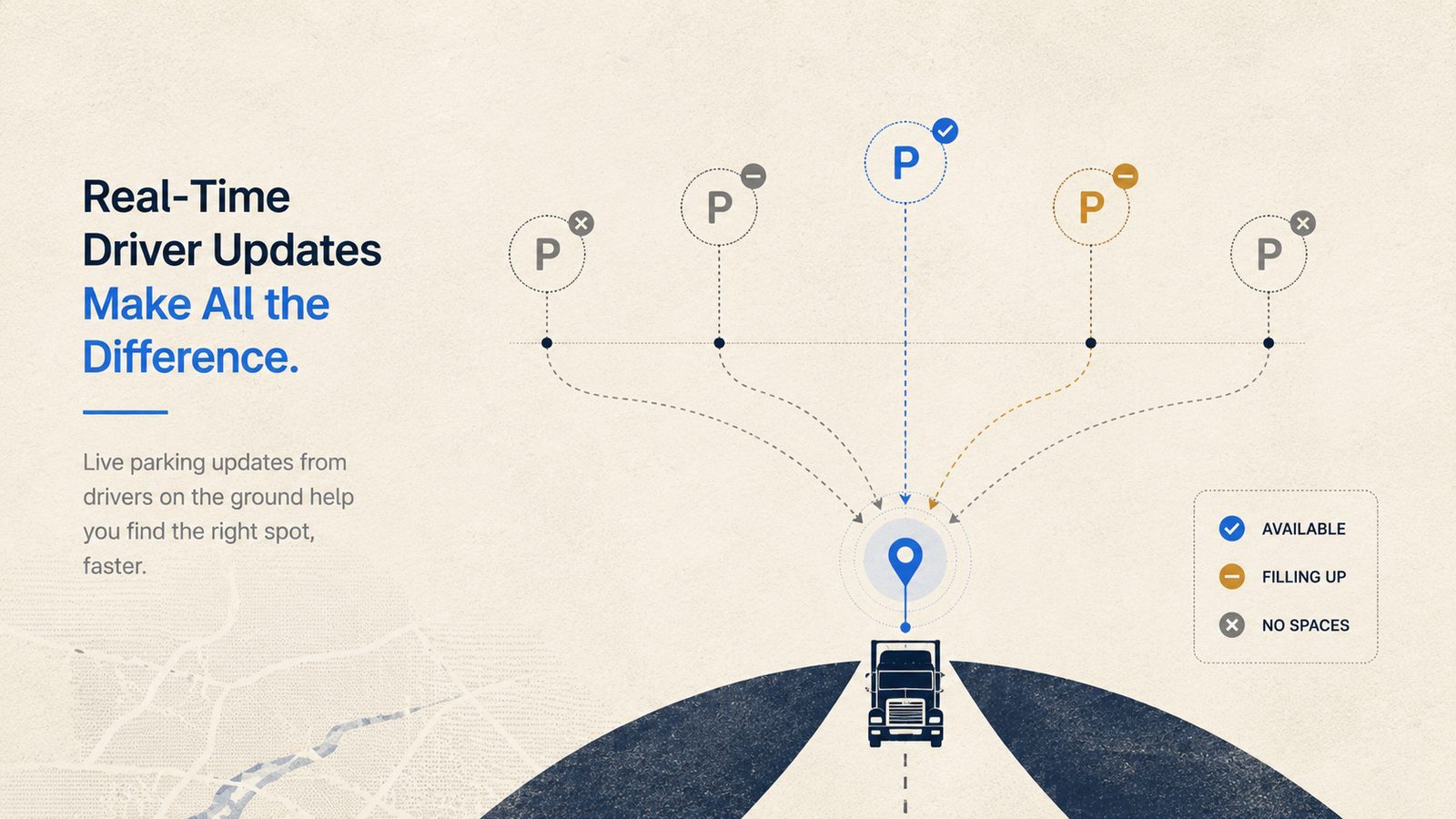
This is where a lot of apps fall short: they help find a truck stop, but not whether it actually has space right now. What’s worth looking for is real-time parking availability — shown as something like Full, Some, or Many — so a driver can compare stops and pick a backup while there’s still time to adjust, instead of finding out a lot is full after already pulling off. Trucker Path is one of the apps built around that kind of live, crowdsourced data rather than a static list of locations.
Reservable parking is worth checking for too, especially for stops where timing is tight. Trucker Path’s own team notes that a driver with a spot reserved saves about 30 minutes of searching — time that more than pays for the cost of the reservation. Between live availability and the option to reserve ahead, real stop data beats guessing every time.
Does fuel and road-awareness data belong in the same app?
Fuel planning sounds simple until it isn’t. A stop that looks fine on the map can mean a rough entry, tight parking, or an extra detour that adds miles nobody needed. When a driver has to jump between a GPS app, a fuel app, and a separate map just to compare options, it’s easy to grab the first decent stop and move on instead of the best one.
That’s a real argument for picking an app that keeps fuel comparison inside the same trip plan rather than a separate tool. Trucker Path shows along-route fuel price comparison built into the route itself, which cuts out the extra app-switching. It won’t promise a fixed savings number, but even small differences add up when a truck is fueling several times a week.
The same logic applies to road awareness. Weigh station status built from crowdsourced reports plus official data feeds can help with trip flow and stop planning — not with dodging enforcement — and highway cameras for road conditions round out the picture before rolling into a backup or bad weather blind.
How should drivers actually compare truck GPS apps before picking one?
A lot of apps do one thing well. One handles navigation. Another helps find parking. Another tracks fuel. Another checks road conditions. The problem shows up around mile 500, when bouncing between screens starts taking more attention than it saves.
A practical checklist before committing to one:
- Does it route by truck dimensions and hazmat status, not just car directions?
- Does it show real-time parking availability, not just a static list of truck stops?
- Is fuel comparison built into the trip plan, or is it a separate app?
- Does it cover traffic, weather, and weigh station awareness in the same place?
- Can it be tried for free before committing to a paid plan?
Trucker Path checks each of those boxes by bringing truck-focused routing, parking visibility, fuel comparison, and road cameras into one workflow, and it’s free to start — which gives a driver a way to try it on a real run and see if the setup actually fits how they drive, not how an office thinks they drive.
Frequently Asked Questions
What makes a truck GPS app different from a regular car GPS?
A truck GPS app routes by the vehicle’s actual height, weight, length, and hazmat status, and avoids low bridges and truck-restricted roads based on that profile. A car GPS has no idea what’s attached behind the cab, which is how trucks end up routed into places they were never meant to go.
How do I find truck parking near my route?
Look for an app that shows real-time availability — something like Full, Some, or Many — instead of just a list of truck stop locations. That lets a driver compare stops ahead of time and line up a backup before the main stop falls apart. Reservable parking is worth checking too, for stops where the timing is tight.
Can a truck GPS app route around low bridges and truck restrictions?
A truck-specific navigation app can, based on the vehicle profile entered and available map data. Drivers still need to watch posted signs and local conditions, especially where construction or temporary closures change the road — no app catches every last restriction.
How do drivers find fuel stops without leaving the route?
The easiest setup is an app with fuel comparison built into the navigation screen, so drivers can compare stop options along the route without piecing the plan together from separate apps.
Is Trucker Path only for navigation?
No. It also covers parking, fuel stop planning, weigh station status from crowdsourced reports plus official data feeds, traffic, weather, highway cameras, and Apple CarPlay support — closer to a day-planning tool than a map alone.
Summary
- The right truck GPS app routes by real vehicle dimensions, not car directions.
- Real-time parking availability and reservable parking matter as much as the route itself.
- Fuel comparison and road awareness built into the same app beat switching between four separate ones.
- Before picking an app, check it against a short list: truck-safe routing, live parking, built-in fuel comparison, and a free trial.
- Trucker Path is one app built around that full checklist, with truck routing, parking, fuel, and road awareness in one place.