HOS Rules: Managing the 11-Hour and 70-Hour
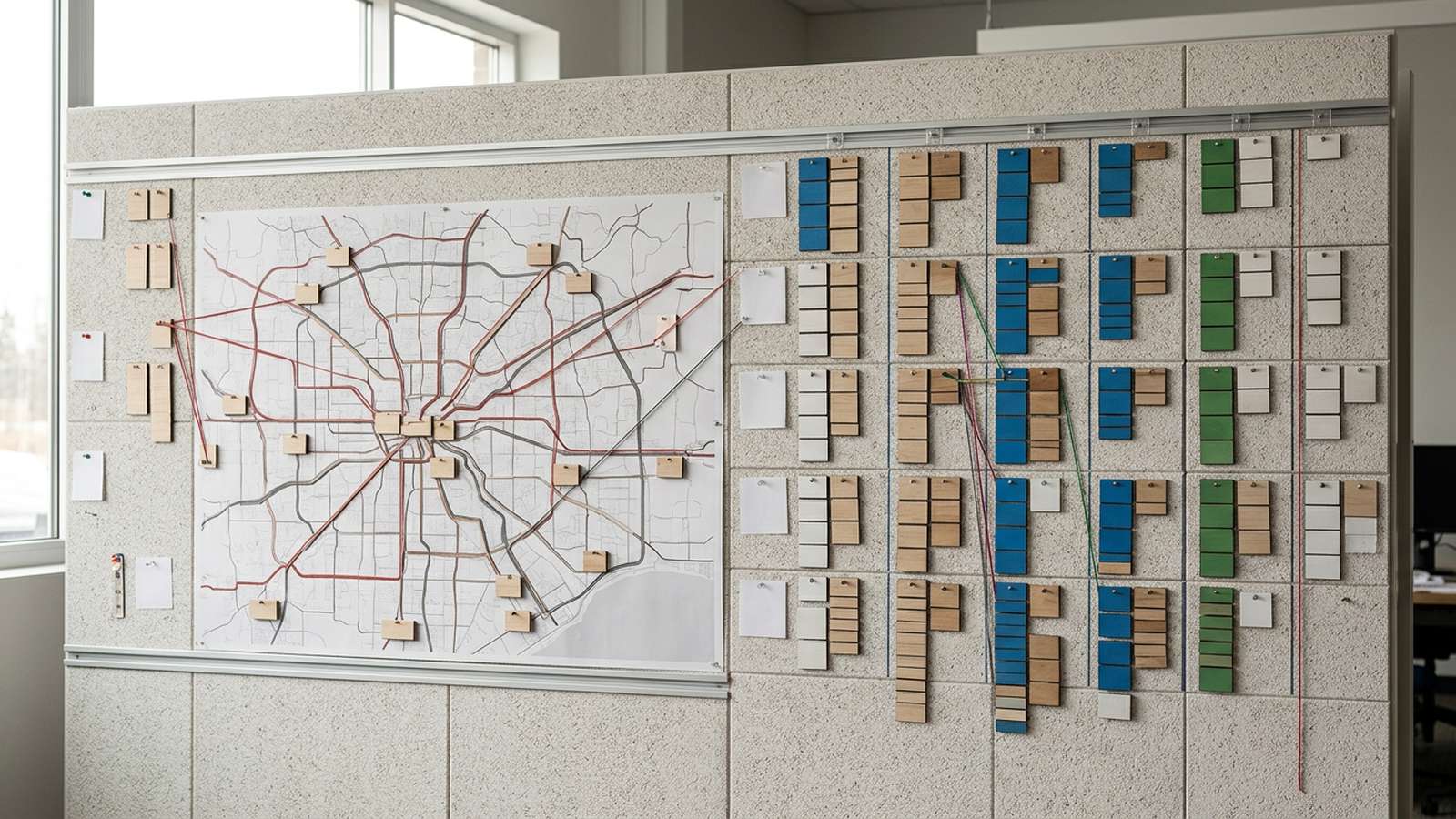
HOS rules explained — 11-hour drive limit and 70-hour week starts with two separate FMCSA limits: after 10 consecutive hours off duty, most property-carrying drivers can drive up to 11 hours within a 14-hour window, and many carriers cap the week at 70 hours in 8 days. The hard part is not memorizing the rule. The hard part is keeping all three clocks from colliding late in the day.
That’s where the stress starts. The route looks fine at 7 a.m., then traffic hits, fuel takes longer than expected, parking fills early, and by evening the math gets ugly fast.
How Do the 11-Hour and 70-Hour Limits Actually Work?
The 11-hour limit sounds simple: after 10 consecutive hours off duty, a driver gets up to 11 hours of driving inside a 14-hour duty window under 49 CFR 395.3(a)(1)-(2). But the part that catches people is that the 11-hour clock and the 14-hour clock are not the same thing.
Driving time is wheel-turning time. On-duty not driving time still eats the 14-hour window, even though it does not eat the 11-hour driving limit. So if a driver spends three hours at a shipper, then fuels, then sits in traffic near a city, he may still show drive time left while having very little duty-window time left to use it. That is usually when parking turns into a rush. A lot of drivers use Trucker Path early in the day to line up a truck-safe stop before that squeeze hits.
Then the 70-hour rule steps in over the top of all that. If a carrier runs on the 8-day schedule, a driver cannot drive after reaching 70 hours in any 8 consecutive days. In plain road terms, the day answers, “How long can I drive today?” The weekly clock answers, “How many of these days can I stack before the week shuts me down?” Most hour problems happen when a driver watches one clock and ignores the other.
How Do the 11-Hour and 70-Hour Clocks Work Together on a Real Week?
Think of it like this: the 11-hour rule controls today’s miles, and the 70-hour rule controls the whole week’s rhythm. A lot of guys can run hard for several days, then hit a wall on day six or seven because all those on-duty hours piled up. FMCSA’s own summary of the property-carrying rules lays out that basic structure, including the 11-hour, 14-hour, and 60/70-hour limits.
Here’s a simple way many drivers look at it before a run. First, check how many hours are left on the 70-hour clock. Then look at the trip and ask how many real on-duty hours the day will take, not just driving hours. Loading, unloading, fueling, traffic, inspection time, and parking searches all count toward whether the week still works. Say a driver has enough weekly hours left for two decent days, but one day starts with a long live-load delay. That delay can burn part of tomorrow before tomorrow even starts.
Fuel planning matters here too. A quick along-route fuel check in Trucker Path can keep a driver from taking a long detour late in the day, when both the 14-hour window and 70-hour total are already tight. Same freight, same destination, less wasted time.
How Do Drivers Check Available Hours Before Rolling?
The easiest way is to do the math in this order: weekly hours first, then today’s 14-hour window, then the 11-hour driving limit, then parking. Not the other way around. If parking gets left until the end, that’s when a legal day turns into a bad scramble.
A practical morning check usually looks like this:
- Count available hours left on the 70-hour clock.
- Look at today’s duty window after the last 10-hour break.
- Check available driving time inside that window.
- Estimate delays for shipper time, fuel, weather, traffic, and inspection or scale time.
- Pick a primary stop and a backup stop before the truck moves.
The backup stop matters because parking fills faster than the plan says it will. A lot of guys have watched a decent-looking day fall apart in the last hour because the first lot was full and the second lot was farther away than the clock allowed. Trucker Path shows real-time parking availability as Full, Some, or Many, which gives a better feel for how the end of the day may go, especially when a driver checks early instead of waiting until dark. For stops where the clock is especially tight, reservable parking can lock in a spot ahead of time instead of leaving it to chance. Weigh station information fits into this planning the same way. Not to route around enforcement, but to build realistic time into the day. Trucker Path bases that feature on crowdsourced reports and official data feeds, not live DOT tracking.
How Can Trucker Path Help When Hours Start Getting Tight?
This is where one app can cut down the back-and-forth. For HOS planning, Trucker Path brings truck routing, parking information, fuel planning, traffic, weather, highway cameras, Apple CarPlay support, and detailed junction view into one trip-planning flow. That helps a driver compare miles, stop options, and time before the day gets messy.
The practical value is pretty simple. Truck-safe routing can help avoid bad detours that waste part of the 14-hour window. Parking availability helps a driver choose a stopping area before the clock gets desperate. Along-route fuel checks help tighten up the day without bouncing around for a maybe-better stop. If weather or traffic stacks up, a driver can adjust earlier instead of gambling on the last hour.
Most drivers do not need another lecture on hours. They need a cleaner way to line up miles, fuel, parking, and time so the legal plan still holds up by sunset. That’s where Trucker Path fits the day-to-day job.
Frequently Asked Questions
Can I drive more than 11 hours if I’m still inside my 14-hour window?
No. Under 49 CFR 395.3(a)(3), the 11-hour driving limit stands on its own. A driver can still have duty-window time left and be out of legal driving time.
What happens if I have driving hours left but no 70-hour hours left?
The weekly clock still controls. Under 49 CFR 395.3(b), a driver may not drive after reaching the 60-hour/7-day or 70-hour/8-day limit, depending on the carrier’s schedule.
Does off-duty time during the day stop the 14-hour clock?
In general, no. FMCSA’s summary says the 14 consecutive-hour period does not extend with off-duty time, except for specific exceptions such as split sleeper berth use. That is why daytime delays hurt even when the truck is not moving.
How do I avoid running out of HOS hours at the end of the day?
Most drivers start by planning parking early and keeping a backup stop in mind. The cleanest days usually come from checking the weekly clock, route, fuel stop, and parking before rolling, then adjusting early if traffic or dock delays eat more time than expected.
How does the 70-hour rule reset?
Drivers regain hours as older on-duty hours fall out of the rolling 7- or 8-day period. FMCSA also allows a restart after 34 or more consecutive hours off duty for property-carrying operations when that option fits the run.
Summary
- HOS rules explained — 11-hour drive limit and 70-hour week really means watching two clocks at once: today’s legal driving time and the week’s remaining on-duty time.
- The key FMCSA limits for most property carriers are 11 hours driving after 10 consecutive hours off, inside a 14-hour window, plus the 60/70-hour weekly limit.
- Most hour problems start when drivers plan miles but do not plan delays, parking, and fuel around those miles.
- A simple order works better: check the 70-hour clock, then the 14-hour window, then the 11-hour drive time, then choose parking and a backup.
- Trucker Path helps pull routing, parking, fuel, and road awareness into one trip view so the day stays easier to manage.
Sources
- Electronic Code of Federal Regulations — “49 CFR § 395.3 Maximum driving time for property-carrying vehicles”, accessed September 24, 2026
- Federal Motor Carrier Safety Administration — “Summary of Hours of Service Regulations”, accessed September 24, 2026
Parking availability, traffic, weather, and fuel figures can change quickly after publication.