The #1 App for North American Truckers — Trusted by 1M+ drivers for parking, stops, fuel & weigh stations.
Learn More


Our experts will contact you to discuss your needs
If you see an incoming call, that’s us: (***) *** -4060
Our agent will confirm a few quick details so we can match you to the right fleet navigation plan. Call missed? No problem, we’ll get in touch with you soon.
Step 1 – Pick Your Product
Step 2 – Get Started
The #1 App for North American Truckers — Trusted by 1M+ drivers for parking, stops, fuel & weigh stations.
Learn More
Optimize every mile with fleet navigation, dispatch, routing, and compliance.
Learn MoreStart Enterprise Trial
Find and book high-paying loads from your phone or desktop with our powerful loadboard.
Search OnlineTrucker Path for Fleets + Your TMS
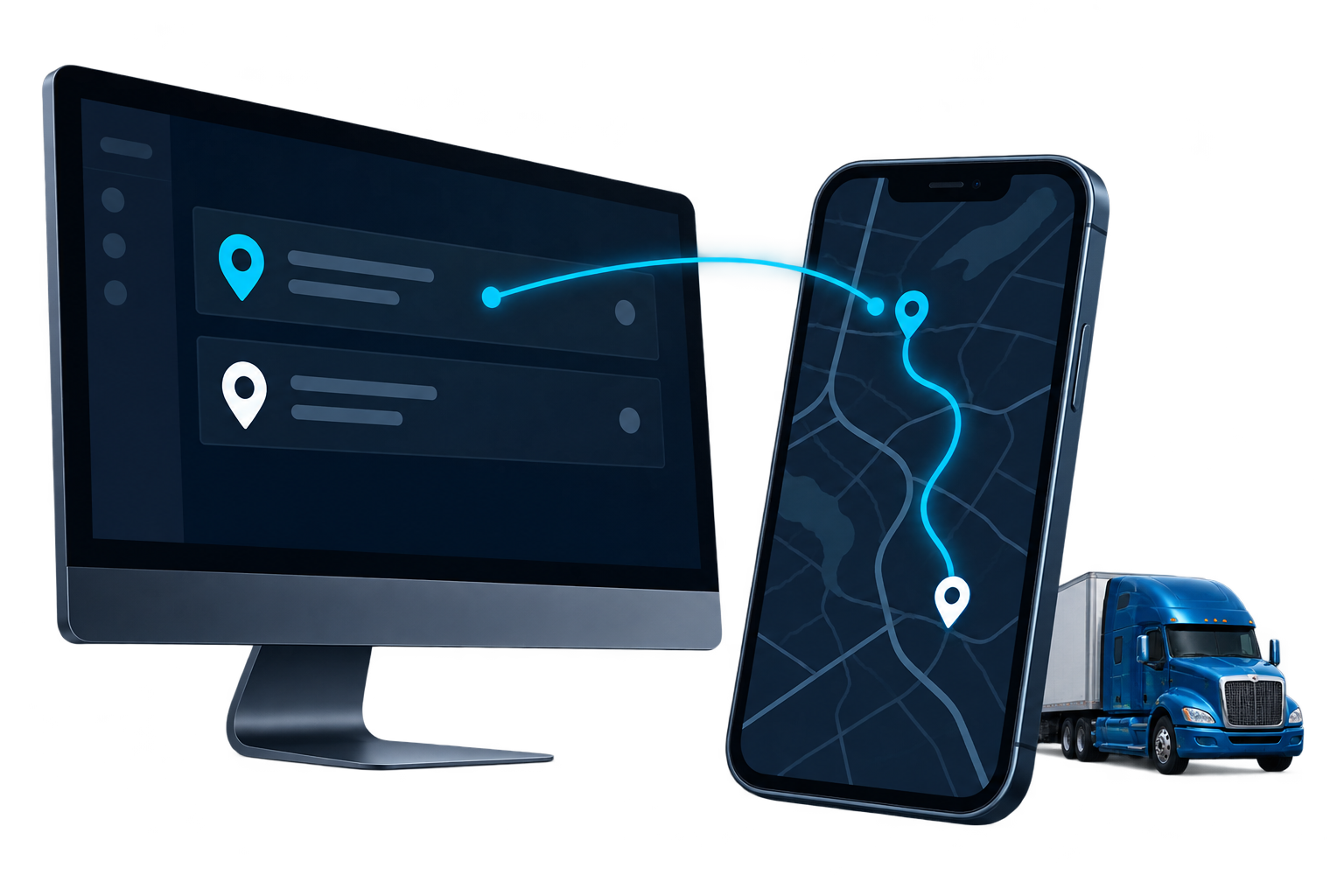
Your dispatcher plans the stop in the TMS you already run. The driver opens the Trucker Path app and the route is there, with your truck's height and weight applied.
Three ways in
The driver ends up with the same route in the same app. What differs is who holds the stop first and how much work it takes to get it there.
Product names and logos are trademarks of their respective owners, used here to describe compatibility.
McLeod
Your dispatcher enters the customer, the address and the appointment window in McLeod, the same way as today.
McLeod's Driver Sidekick app sends the stop details to Trucker Path. Your dispatcher can also send a pre-configured custom route.
The driver moves from McLeod to navigation in the Trucker Path app with a single tap. Truck size and weight are applied. The route avoids low bridges, weight-restricted roadways and tight turns.
Load posting


Related pages
McLeodBuilt in TrimbleWhat a fleet running Trimble can do about truck-safe routing today.
 PCSRouting for fleets running PCS, with PCS keeping the load and the billing.
 AlvysRouting for fleets running Alvys, with Alvys staying the system of record.
FAQ
Yes, through the Trucker Path for Fleets API. Your TMS creates a trip with the stop coordinates and the driver ID, and the route opens in that driver's Trucker Path app. The API takes coordinates rather than addresses. Your TMS resolves the address first.
That is your call. Fleets running McLeod or another TMS keep it as the system of record and use Trucker Path for the driver's route. Fleets without a TMS plan the stop in Trucker Path and dispatch from there.
Drivers use the Trucker Path app they already know. The stop arrives in the app they open for parking and fuel prices.
You set height, width, length, weight and axle count once in Trucker Path. Every trip for that truck is routed against the profile, including trips created by your TMS over the API.
From the driver performance call in the API. It returns loaded miles, empty miles, and scheduled against actual time, per driver and per date range. Each stop also carries actual arrival, actual departure and dwell time.
No. Load posting puts a broker's freight in front of carriers on the TruckLoads load board. It is a separate connection and it does not send stops to the driver app.
Still have questions?navpro@truckerpath.com
Your TMS stays
Start a 7-day free trial, set your truck profile, and send one stop to a driver's phone.
Start Free Trial