The #1 App for North American Truckers — Trusted by 1M+ drivers for parking, stops, fuel & weigh stations.
Learn More


Our experts will contact you to discuss your needs
If you see an incoming call, that’s us: (***) *** -4060
Our agent will confirm a few quick details so we can match you to the right fleet navigation plan. Call missed? No problem, we’ll get in touch with you soon.
Step 1 – Pick Your Product
Step 2 – Get Started
The #1 App for North American Truckers — Trusted by 1M+ drivers for parking, stops, fuel & weigh stations.
Learn More
Optimize every mile with fleet navigation, dispatch, routing, and compliance.
Learn MoreStart Enterprise Trial
Find and book high-paying loads from your phone or desktop with our powerful loadboard.
Search OnlineTrucker Path for Fleets + Alvys
No connector exists between Alvys and Trucker Path, which matters less here than on most TMS platforms: the fleet API is documented publicly, your system posts the trip and reads the miles back, and a dispatcher can work by hand in the meantime. If someone on your team can call an endpoint, this is a short job.

Via the fleet API · No prebuilt connector
Your situation
Alvys is a cloud TMS, so if there is someone on your side who can call an endpoint, the API is the shortest path here: your system posts the trip, the driver gets the route, and the miles come back the same way. No middleware in between.
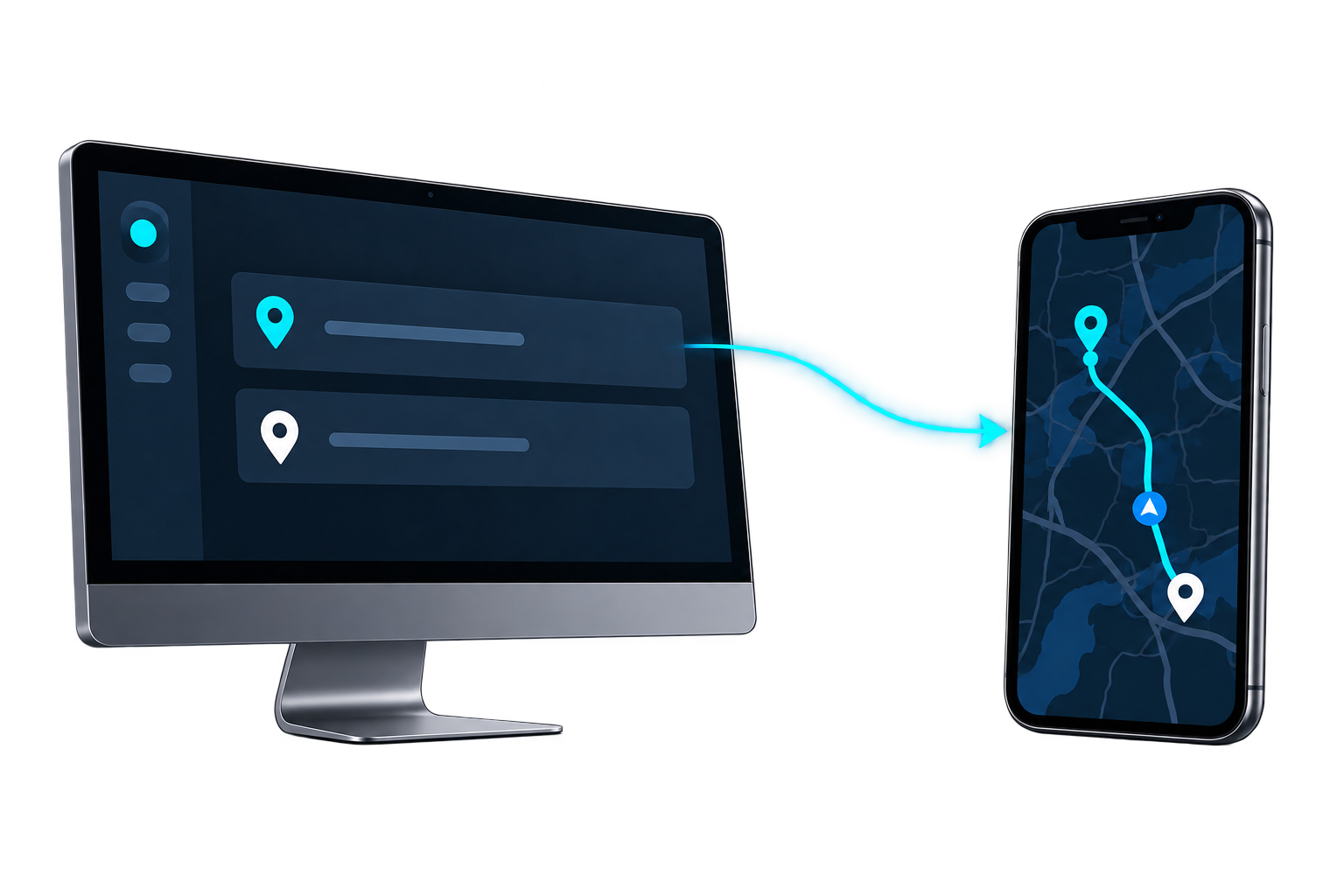
Your system posts a trip with the stop coordinates and a driver ID, and the route opens in that driver's Trucker Path app. Planned, actual and out-of-route miles read back the same way.
Plan the stop in Trucker Path and send it to a driver. Nothing has to be connected, so you can see exactly what a driver gets before committing developer time.
The API takes stop coordinates, not street addresses, and does no geocoding. A TMS holding addresses resolves them its own way first — worth knowing on day one rather than on the afternoon the first trip fails to post.
There are no webhooks or callbacks. Anything you want to know about a trip you ask for, which keeps the integration simple but means your side decides how often to check rather than waiting to be told.
Other TMS platforms
The answer is the same shape whichever TMS holds the load: the fleet API, or dispatching from Trucker Path while the TMS stays the system of record.
 Running Trimble instead?The same two ways in, written for a fleet on Trimble.
 Running PCS instead?The same two ways in, written for a fleet on PCS.
 McLeod connects directlyThe one TMS with an announced navigation connection, rather than the API or dispatching by hand.
FAQ
Not a prebuilt one. Alvys is not among the TMS platforms Trucker Path has announced a connection with. The Trucker Path for Fleets API is the route in, and it is documented publicly.
Your system posts a trip with the stop coordinates and a driver ID, and the route opens in that driver's Trucker Path app. Reading back, you get planned miles, actual miles, out-of-route miles, and arrival, departure and dwell time per stop.
A Client Identifier plus a JWT bearer token on every request, not a static API key. The documented rate guideline is 25 requests per second per client.
Yes. Plan a stop in Trucker Path and dispatch it to one of your drivers by hand. Nothing needs to be connected for that, and it shows exactly what the driver will see.
Still have questions?navpro@truckerpath.com
The fleet API is documented publicly, and a trial account lets you dispatch by hand while the integration is still a plan. Nothing to connect, seven days, no charge.
Start Free Trial