The #1 App for North American Truckers — Trusted by 1M+ drivers for parking, stops, fuel & weigh stations.
Learn More


Our experts will contact you to discuss your needs
If you see an incoming call, that’s us: (***) *** -4060
Our agent will confirm a few quick details so we can match you to the right fleet navigation plan. Call missed? No problem, we’ll get in touch with you soon.
Step 1 – Pick Your Product
Step 2 – Get Started
The #1 App for North American Truckers — Trusted by 1M+ drivers for parking, stops, fuel & weigh stations.
Learn More
Optimize every mile with fleet navigation, dispatch, routing, and compliance.
Learn MoreStart Enterprise Trial
Find and book high-paying loads from your phone or desktop with our powerful loadboard.
Search OnlineTrucker Path for Fleets + PCS
PCS holds the load, the invoice and the settlement, and none of that has to move. What is missing is a route built on the truck's own height and weight, and there are two ways to add one without a connector: the fleet API, or a dispatcher planning the stop here. The load, the invoice and the settlement never leave PCS.

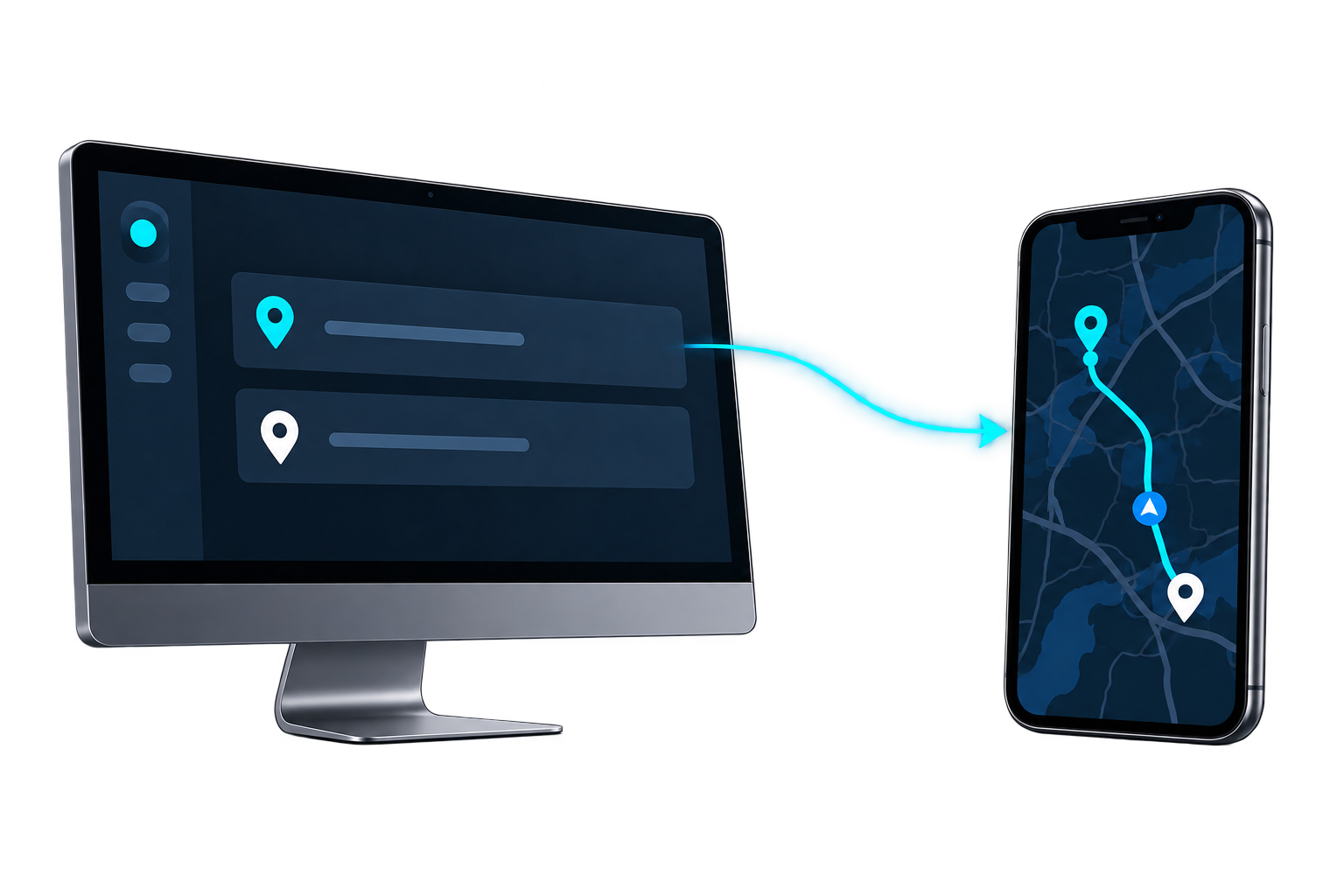
Via the fleet API · No prebuilt connector
Your situation
Fleets pick PCS for dispatch, billing and settlement in one place, and nothing here asks you to move any of that. The route is the only thing that changes hands: the stop stays in PCS, and the driver gets a truck-safe path to it in the app already on the phone.
Your system posts a trip with the stop coordinates and a driver ID, and the route opens in that driver's Trucker Path app. Planned, actual and out-of-route miles read back the same way.
Plan the stop in Trucker Path and send it to a driver. Nothing has to be connected, so you can see exactly what a driver gets before committing developer time.
Fleets choose PCS to keep dispatch, invoicing and settlement in one place, and moving any of that is a project. Nothing here asks you to. The stop stays in PCS and the driver gets a truck-safe path to it.
If you want them, planned miles, actual miles and out-of-route miles per driver are readable over the fleet API and can land back in PCS beside the load they belong to, rather than living in a second dashboard nobody opens.
Other TMS platforms
The answer is the same shape whichever TMS holds the load: the fleet API, or dispatching from Trucker Path while the TMS stays the system of record.
 Running Trimble instead?The same two ways in, written for a fleet on Trimble.
 Running Alvys instead?The same two ways in, written for a fleet on Alvys.
 McLeod connects directlyThe one TMS with an announced navigation connection, rather than the API or dispatching by hand.
FAQ
Not a prebuilt one. PCS is not among the TMS platforms Trucker Path has announced a connection with. Fleets running PCS use the Trucker Path for Fleets API, or plan the stop in Trucker Path and keep PCS for the load and the billing.
No. PCS keeps the load, the invoice and the settlement. Trucker Path holds the route and the driver's app, and returns planned miles, actual miles and out-of-route miles if you want them back in PCS.
Nothing new. Drivers use the Trucker Path app they already open for truck parking, fuel prices and weigh station status. The stop arrives in that app.
You set height, width, length, weight and axle count once per truck in Trucker Path. Every trip for that truck routes against the profile, including trips your own software creates over the API.
Still have questions?navpro@truckerpath.com
Plan it in Trucker Path, dispatch it by hand, and leave the invoice where it is. Nothing to connect, seven days, no charge.
Start Free Trial