The #1 App for North American Truckers — Trusted by 1M+ drivers for parking, stops, fuel & weigh stations.
Learn More


Our experts will contact you to discuss your needs
If you see an incoming call, that’s us: (***) *** -4060
Our agent will confirm a few quick details so we can match you to the right fleet navigation plan. Call missed? No problem, we’ll get in touch with you soon.
Step 1 – Pick Your Product
Step 2 – Get Started
The #1 App for North American Truckers — Trusted by 1M+ drivers for parking, stops, fuel & weigh stations.
Learn More
Optimize every mile with fleet navigation, dispatch, routing, and compliance.
Learn MoreStart Enterprise Trial
Find and book high-paying loads from your phone or desktop with our powerful loadboard.
Search OnlineTrucker Path for Fleets + Trimble
Nothing is prebuilt between Trimble and Trucker Path, and this page does not pretend otherwise. There are two real ways in: your own developers post trips to the fleet API, or a dispatcher plans the stop in Trucker Path and Trimble carries on as the system of record. Trimble stays the system of record; only the route and the driver's app move.

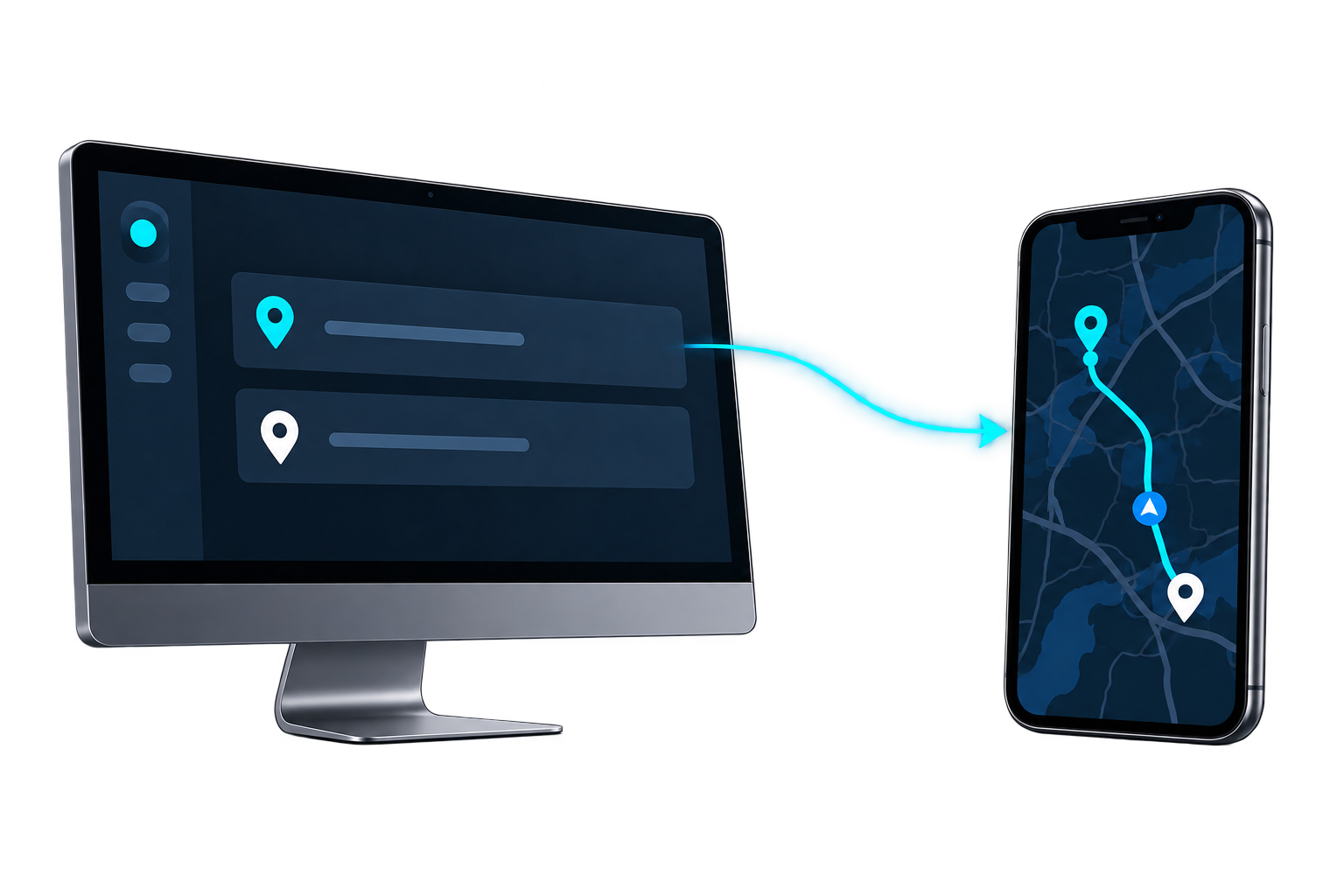
Via the fleet API · No prebuilt connector
Your situation
Trimble sells CoPilot, its own commercial navigation, powered by PC*Miler. If your drivers already run it, the question is not which one routes around low bridges and weight limits — both are built for trucks — but where the trip is built, what the driver opens, and what else sits on the account. We wrote that comparison out row by row.
Your system posts a trip with the stop coordinates and a driver ID, and the route opens in that driver's Trucker Path app. Planned, actual and out-of-route miles read back the same way.
Plan the stop in Trucker Path and send it to a driver. Nothing has to be connected, so you can see exactly what a driver gets before committing developer time.
Trimble sells CoPilot, powered by PC*Miler. If your drivers run it, the open question is not whether the route is built for a truck but where the trip is created, what the driver opens, and what else sits on the same account.
Besides the route: four load boards on one screen, fuel prices and stops along the way, truck parking and weigh station status — in the app the driver already opens. Navigation added to an existing stack does not bring those with it.
Other TMS platforms
The answer is the same shape whichever TMS holds the load: the fleet API, or dispatching from Trucker Path while the TMS stays the system of record.
 Running PCS instead?The same two ways in, written for a fleet on PCS.
 Running Alvys instead?The same two ways in, written for a fleet on Alvys.
 McLeod connects directlyThe one TMS with an announced navigation connection, rather than the API or dispatching by hand.
FAQ
Not a prebuilt one. Trimble is not among the TMS platforms Trucker Path has announced a connection with. Fleets running Trimble reach the same result through the Trucker Path for Fleets API, or by planning the stop in Trucker Path and keeping Trimble as the system of record.
CoPilot is navigation you add to systems you already run. Trucker Path for Fleets is the dispatch surface itself, and fuel and freight run on the same platform. The full side-by-side comparison is on this site.
Your developers post a trip to the fleet API with the stop coordinates and a driver ID. Authentication is a Client Identifier and a JWT. The API takes coordinates rather than addresses, so your system resolves the address first.
Yes, if you want it to. The load, the billing and the settlement stay in Trimble. Trucker Path holds the route and the driver's app.
Still have questions?navpro@truckerpath.com
Build a trip on your own truck profile and send it by hand. Trimble does not have to change for you to look. Nothing to connect, seven days, no charge.
Start Free Trial